


How Zipprr's AI Chat Workflow Cuts Support Ticket Chaos in Half
Picture a support inbox with 40 unread messages at 9 a.m., and half of them are asking the same three questions your team answered yesterday. That's not a staffing problem. That's a workflow problem, and it's the exact problem AI chat workflow automation was built to solve.
Most support teams don't need more people. They need a system that routes, answers, and escalates without a human touching every single ticket first. Here's how that actually works in practice, and how to set one up without breaking what already works.
Where AI Chat Fits Into the Support Pipeline
An AI chat workflow sits at the very front of your customer conversation, before a ticket even exists. When someone messages your website or WhatsApp number, the bot reads the question, matches it against your knowledge base, and either answers directly or tags the conversation with the right category. Order status, return requests, and pricing questions can be resolved in seconds without ever reaching a human agent's queue.
This changes the shape of your support workload entirely. Instead of agents triaging every incoming message by hand, they only see what actually needs a person: complaints, unusual requests, anything involving money adjustments, or questions the bot genuinely can't answer. The workflow automation for customer support becomes a filter, not a replacement for your team, and that distinction matters when you're trying to get buy-in from a support lead who worries automation means job cuts.
Integration matters here more than people expect. A chat tool that can't talk to your CRM or order system is just a glorified FAQ page. When AI chat connects to platforms like a CRM, order management tool, or booking calendar, it can pull real answers instead of generic ones, like telling a customer their exact delivery date instead of a canned "please allow 5 to 7 business days" message.
Building a Chat Workflow Automation Setup That Doesn't Break
Start with your team's most repeated questions, not your most complicated ones. Pull the last month of support tickets and sort them by frequency. In most businesses, five to ten question types make up the bulk of daily volume. Feed those into your chatbot's knowledge base first, and you'll immediately cut a large share of manual replies without touching anything else.
Next, define clear handoff rules. A well-designed chat workflow automation setup doesn't try to keep every conversation inside the bot. It knows when to step aside. Angry tone, repeated questions the bot already tried to answer, or specific keywords like "refund" or "cancel" should trigger an instant handoff to a live agent, complete with the full conversation history so nobody has to repeat themselves.
Sales teams benefit from a parallel version of this same setup. Instead of routing to support, the workflow routes qualified leads straight into a sales rep's queue with context attached: what the visitor asked, what page they were on, and whether they mentioned budget or timeline. That's a much warmer handoff than a rep cold-calling a form submission from three days ago, and it usually shortens the sales cycle by a few days on its own.
Zipprr's AI Chat is built around this exact structure, letting businesses set trigger conditions, connect existing tools, and adjust escalation rules without needing a developer for every change. Teams that automate their support workflow this way typically see first-response times drop from hours to seconds, freeing agents to focus on conversations that actually need judgment instead of copying and pasting the same answer for the fifth time that day.
Keeping the Human Layer Strong
Automation only works long-term if customers never feel stuck in a loop. Every chatbot conversation should offer a clear, easy path to a human, not a hidden menu buried three clicks deep. If a customer types "talk to a person" and the bot ignores it, you've lost more trust than you gained from the automation in the first place.
Review transcripts weekly, at least while your AI chat workflow automation is still new. Look for questions the bot answered poorly or conversations that looped without resolution. These reviews usually surface two or three quick fixes that meaningfully improve the whole system, and they matter more than any single feature upgrade.
Measure the right things too. Ticket volume reaching human agents, average handling time, and customer satisfaction scores after a bot-assisted conversation tell you far more than "number of chats started." A workflow that starts a lot of conversations but resolves few of them isn't actually saving anyone time.
Support automation isn't about removing people from customer service. It's about giving your team room to actually do the parts of the job that require a brain instead of a script, while the repetitive 70 percent runs itself quietly in the background.
Set aside an hour once a month to walk through the whole flow as if you were a confused new customer. You'll spot friction points a spreadsheet of metrics never shows you, and those small fixes compound fast.
FAQ
What is an AI chat workflow, exactly?
It's the automated path a customer conversation follows from first message to resolution, including how the bot answers, tags, and routes conversations before a human ever sees them. A well-built workflow only surfaces conversations that genuinely need a person.
Will automating support replace my customer service team?
No. It removes repetitive, low-value questions from their queue so agents spend time on complaints, edge cases, and conversations that require judgment. Most teams handle more volume with the same headcount instead of shrinking the team.
How do I decide what questions to automate first?
Pull a month of past support tickets and sort them by frequency. In most businesses, five to ten repeated question types make up the bulk of daily volume, and those are the best starting point for your chatbot's knowledge base.
What triggers should send a conversation to a human agent?
Common triggers include repeated failed bot responses, angry tone, refund or cancellation keywords, and any direct request to speak with a person. The handoff should always include full conversation history so the customer doesn't repeat themselves.
Does AI chat need to connect to my CRM to be useful?
It's far more useful when it does. A connected chatbot can pull real order status, account details, or booking information instead of giving generic answers, which noticeably improves the customer experience and reduces follow-up questions.
Can AI chat workflows help sales teams, not just support?
Yes. The same routing logic can send qualified leads straight to a sales rep's queue with context attached, like what the visitor asked and which page they were on, creating a warmer handoff than a cold call to a form submission.
How often should I review my chatbot's workflow?
Weekly reviews work well while a workflow is new. Reading real transcripts surfaces confusing answers and unresolved loops quickly, and most fixes at that stage are small wording or routing adjustments rather than major overhauls.
What metrics show whether an AI chat workflow is working?
Track ticket volume reaching human agents, average handling time, and satisfaction scores after bot-assisted conversations. A high number of started chats with a low resolution rate usually signals a workflow that needs adjustment, not more traffic.
CTA
Your support queue doesn't have to start every morning already behind. Set up Zipprr's AI Chat workflow once, and let it handle the repeat questions while your team focuses on what actually needs them.
Категории
Больше
Maintaining a healthy heart and managing body weight are two of the most important wellness goals for many adults today. However, modern lifestyles often contribute to challenges such as poor circulation, elevated blood pressure concerns, stubborn belly fat, low energy levels, and metabolic imbalance. These issues can impact overall health and make it more difficult to maintain an active...

Netflix's library now includes the celebrated 1998 Disney film 'Mulan,' bringing the animated classic to streaming audiences. This film, an adaptation of a Chinese legend, features a heroine who defies tradition by taking her father's place in the army, finding both purpose and romance. The voice cast is a notable ensemble. Ming-Na Wen speaks the role of Mulan, while Lea Salonga provides her...

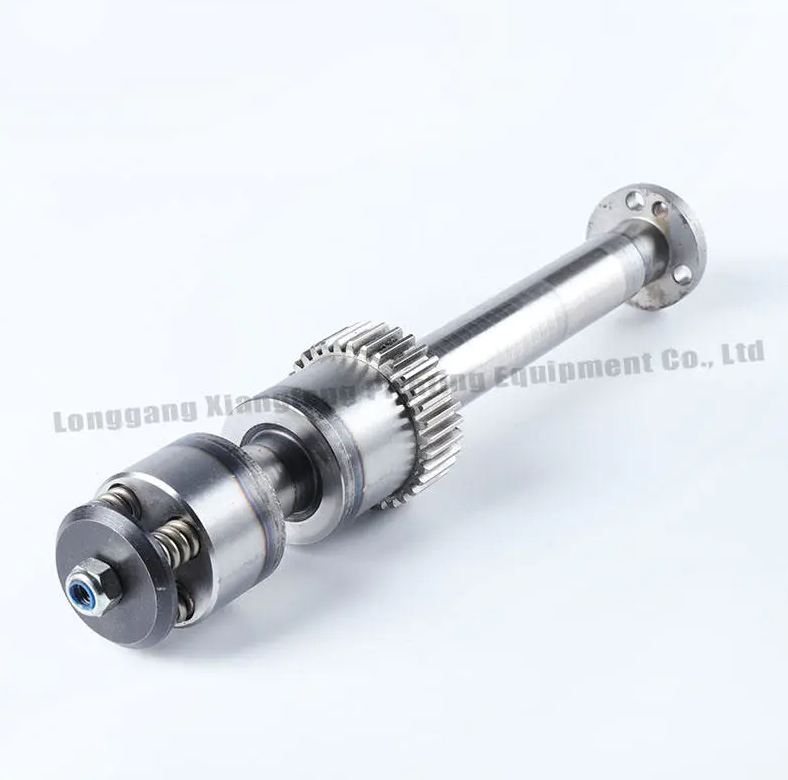
Printing Machine Gear systems are fundamental to mechanical coordination in printing machinery. By maintaining controlled engagement between rotating parts, Printing Machine Gear assemblies support stable motion transfer during continuous production. In practical operation, gears transmit torque from motors to rollers and auxiliary mechanisms. Consistent tooth engagement ensures that...
The life of Jesus Christ is filled with extraordinary events that continue to inspire millions across the world. Among the most compelling aspects of His life are the jesus miracles, which demonstrate not only divine power but also compassion, faith, and spiritual authority. These miracles are recorded in the Gospels and serve as a cornerstone of Christian belief, illustrating how faith can...

" According to the latest report published by Data Bridge Market Research, the Corn Wet-Milling Market CAGR Value The global corn wet-milling market size was valued at USD 82.83 billion in 2024 and is expected to reach USD 117.16 billion by 2032, at a CAGR of 4.43% during the forecast period Getting thoughtful about competitive landscape is...
