


Why MacBook Charging Problems Aren’t Always Caused by the Charger
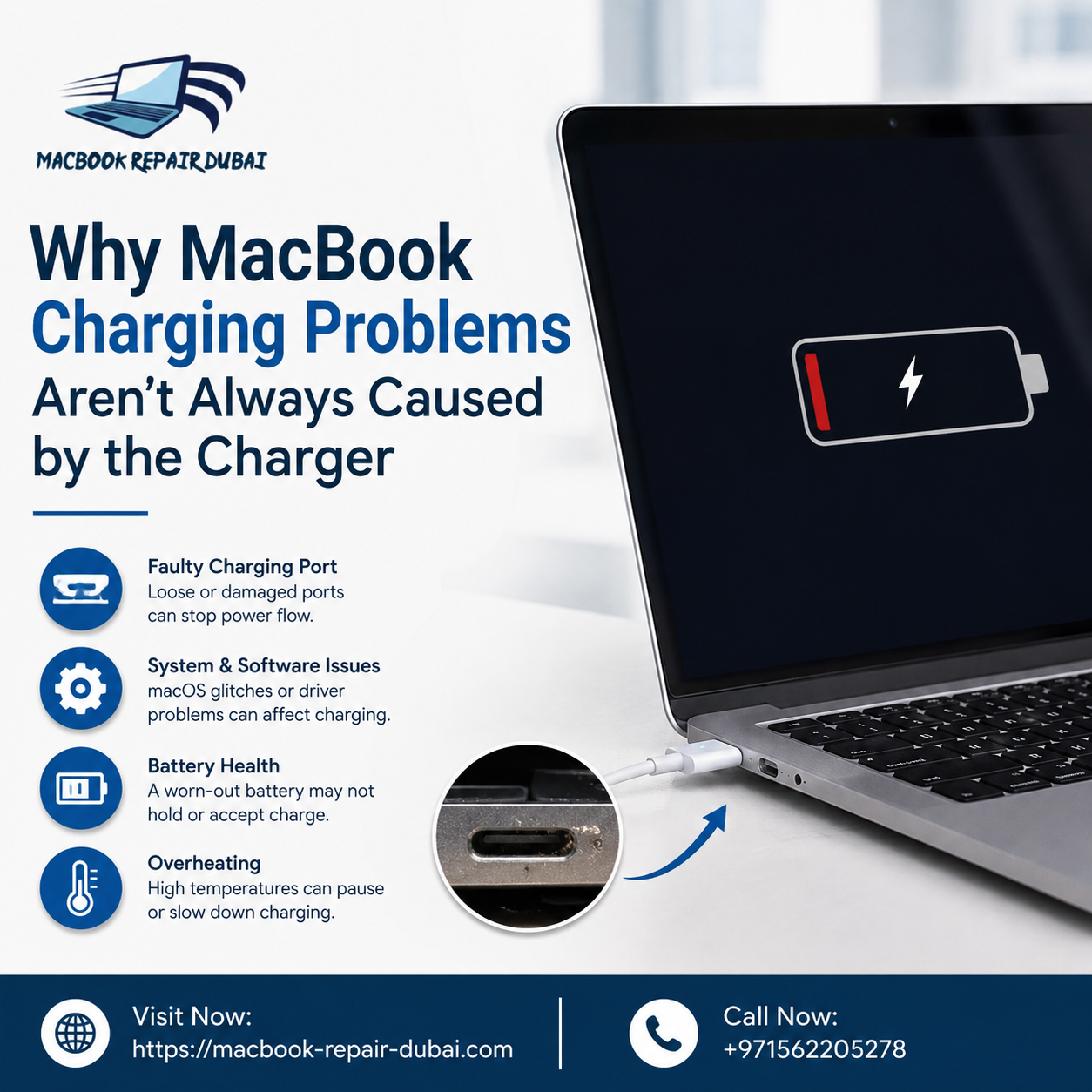
Introduction
Your MacBook won't charge, so what's the first thing you do? Most people blame the charger. They buy a new cable, maybe a new adapter too, and just hope it works. Most of the time, it doesn't.
We see this a lot at MacBook Repair Dubai. Someone walks in with two or three chargers they've already bought, still stuck with the same problem. Because the charger was never really the issue.
The real cause could be the battery, the charging port, a chip on the logic board, or even a software bug. Figuring out which one it is can save you a lot of money and a lot of hassle. That's what we're going to break down in this post.
Common Reasons MacBook Charging Fails (Beyond the Charger)
Charging isn't just one part doing all the work. It's a whole system. So if even one piece is off, you'll get the same symptoms no matter how many chargers you buy.
1. A Failing or Swollen Battery
Batteries wear out. That's just how they work. After a few hundred charge cycles, most Mac batteries start losing capacity, and sometimes they swell up too.
-
A swollen battery can physically push against the charging connector
-
You might notice slow charging or random shutdowns
-
The battery percentage can jump around or drop suddenly
This is actually one of the most common reasons people end up needing MacBook Battery Replacement Dubai. They think the charger's broken, but the battery underneath is the real problem.
2. Damaged or Dirty Charging Port
Dubai's climate isn't kind to electronics. Dust and humidity get into places you wouldn't expect, including the charging port.
-
Lint and dust build up inside over time
-
Bent pins stop a stable connection, even with a genuine charger
-
A small liquid spill can cause corrosion that shows up weeks later
3. Faulty Logic Board or Power Management Chip
The logic board controls how power moves into the battery. If the power management chip is damaged, charging can stop completely, and it'll look exactly like a dead charger.
This is where a lot of people get stuck. They keep replacing chargers when the actual fault is buried deep inside the machine.
4. Software or Firmware Glitches
Sometimes it's not hardware at all.
-
Older macOS versions can misread battery status
-
SMC errors mess with how charging behaves
-
A simple SMC reset fixes it sometimes, but not always
5. Cheap or Fake Chargers and Cables
Not every charger on the market is built the same.
-
Non-certified cables often lack proper voltage control
-
They might charge slowly, or not at all
-
Over time, they can actually damage your MacBook's charging circuit
Always check for MFi certification before buying a replacement.
How to Tell If It's Really the Charger
Before booking a repair, try a few quick things yourself.
-
Plug into a different wall outlet
-
Try a friend's Apple charger if you can
-
Check the cable for fraying near the connector
-
Shine a light into the port and look for dust or bent pins
-
Open System Settings and check the Battery section
If none of that helps, the problem is probably inside the machine. That's when it's time to bring it to us.
Why Getting a Proper Diagnosis Matters
Guessing rarely ends well with electronics. Push a swollen battery back into place and you risk damaging what's around it. Plug a faulty board into a random charger and you might make things worse, not better.
At MacBook Repair Dubai, we run proper diagnostic tests before touching anything. Our team checks:
-
The actual power draw during charging
-
Whether the fault is in the battery, port, or logic board
-
If it's software related before jumping to hardware repairs
We'd rather tell you the truth about what's wrong than sell you a part you don't need. That's just how we work.
When MacBook Battery Replacement Dubai Makes Sense
Battery replacement isn't always the fix, but sometimes it clearly is. Here's when it usually makes sense:
-
Your MacBook is 3-4 years old and used daily
-
Battery health shows "Service Recommended"
-
You notice swelling near the trackpad
-
Charging only works if you press the cable at a certain angle
Getting the battery replaced properly restores performance, and honestly, it's safer too. A swollen or damaged battery isn't something to ignore.
A Few Tips to Avoid This Down the Road
-
Don't let your battery drain to 0% too often
-
Keep your MacBook out of hot cars and direct sunlight
-
Clean the charging port gently every few months with a soft brush
-
Stick to Apple-certified cables and adapters
-
Keep macOS updated
FAQs
1. Why does my MacBook say "Not Charging" even though it's plugged in?
This usually points to the battery or the port, not the charger. A simple diagnostic will tell you which one it is.
2. Can a failing battery affect other parts of the MacBook?
It can. If a battery swells and isn't dealt with, it can start pressing against nearby components, including the logic board.
3. What does MacBook Battery Replacement in Dubai typically cost?
It varies by model, so the best move is to bring it in for a check first — that way you know exactly what you're paying for.
4. Is it okay to use third-party chargers?
They'll often work fine for a while, but many don't regulate voltage properly, which can mean slower charging or long-term damage.
5. At what point should I stop trying to fix it myself?
If swapping outlets or chargers hasn't helped, it's probably time to get it looked at rather than keep guessing.
Conclusion
More often than not, charging issues aren't as simple as "get a new charger." Yes, that might be the problem — but it could just as easily be a worn-out battery, a damaged charging port, or something going on deeper inside the machine. Rather than working through a pile of chargers hoping one fixes it, it's worth having someone actually check what's wrong. That's exactly what we do at MacBook Repair Dubai — we look at the full picture, use genuine parts, and walk you through what's actually happening before any work begins. If your MacBook won't charge properly, bring it in and we'll figure out what's really going on.
Click here to contact us.
Категории
Больше
Benefits of Using Certification Exam Preparation Material Certification exams help people grow in their careers. They help you get better jobs. They also help you earn more money. Many students want to pass the pegacprsa22v1 exam on the first attempt. This exam is offered by Pegasystems. However, exam preparation can feel difficult. There are many books to read and many topics to cover. This is...

Introduction The lymphatic system is often described as the body’s natural drainage and filtration network. It helps move excess fluid, supports immune function, and carries away cellular waste. When people experience puffiness, mild swelling, sluggish circulation, or a general feeling of heaviness, they often start looking for ways to support healthy lymph flow. One product...

"Executive Summary Flaxseeds Market Opportunities by Size and Share The global flaxseeds market size was valued at USD 581.01 billion in 2024 and is expected to reach USD 1335.12 billion by 2032, at a CAGR of 10.96% during the forecast period The leading Flaxseeds Market report is sure to guide in one or the other way to accomplish one of the most...

Market OverviewThe Global Absorption Chillers Market is experiencing steady growth, driven by the increasing demand for energy-efficient and environmentally sustainable cooling technologies. These systems utilize heat sources such as waste heat, solar energy, or natural gas instead of electricity, making them highly efficient and cost-effective for industrial and commercial applications....

Janny112 Usa Posted 16 hours ago Whether you're following Argentina team players or other international stars, gaming offers another way to stay connected throughout the World Cup 2026. Many fans look for activities that keep the excitement alive between matches, making a mobile soccer game or competitive card game a natural choice during...
