


Why an Online Video Downloader Became a Daily Tool
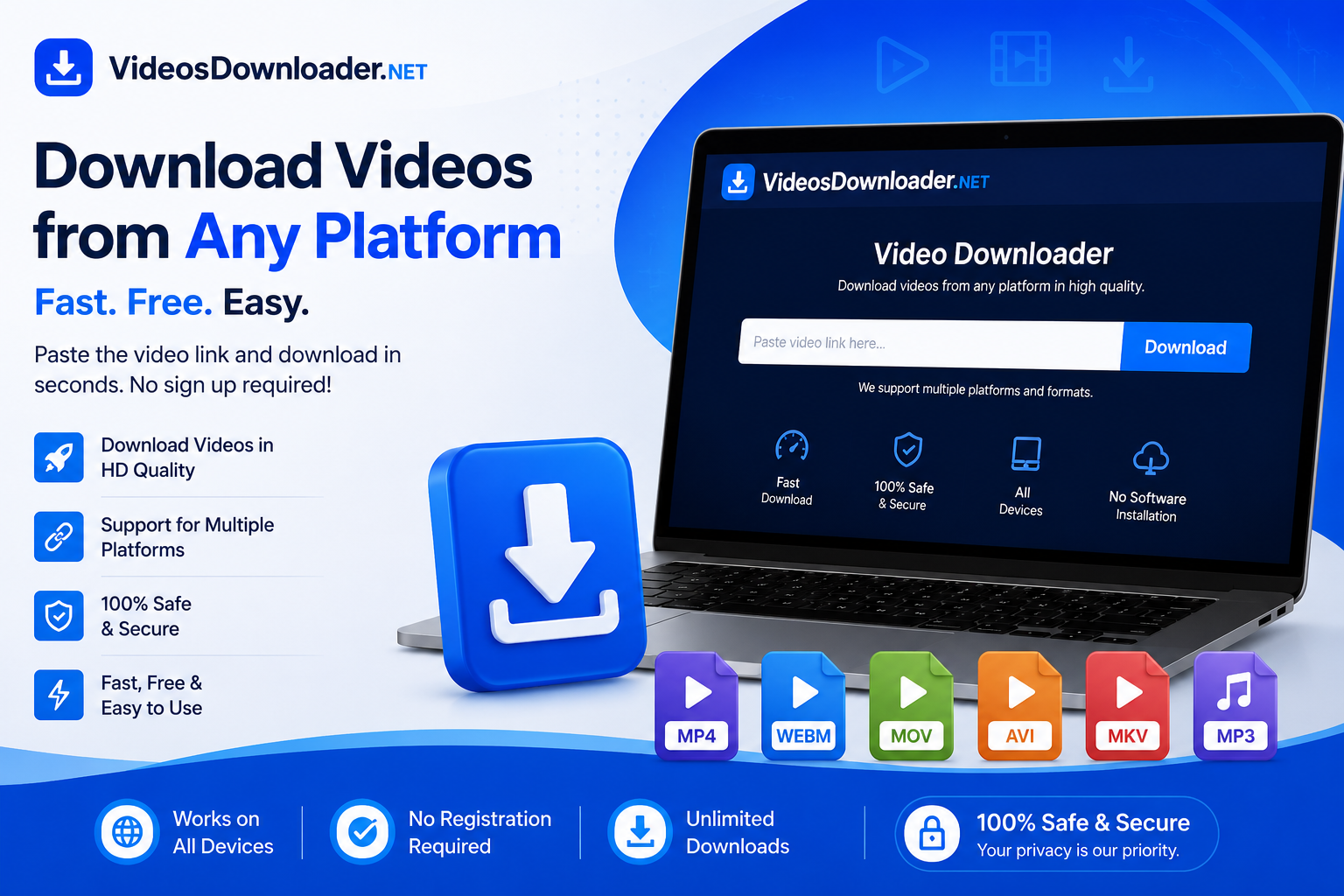
You save a recipe video to try over the weekend. Then the internet drops, and the clip won't load. That small frustration explains why an online video downloader has quietly become a go-to tool for so many people. It lets you keep a copy of a video on your own device, so you can watch it later without depending on a signal or a subscription screen.
The idea is simple. Instead of streaming a clip every single time, you download it once and it stays with you. For anyone who travels, commutes, or lives in an area with patchy internet, that difference matters.
What These Tools Actually Do
A video downloader is a service that takes a video's web link and saves the file directly to your phone or computer. Most work in the browser, which means you don't have to install heavy software or sign up for anything.
You paste a link, pick a quality, and the file downloads. Common formats include MP4 for video and MP3 when you only want the audio. Resolution options usually range from standard definition up to full HD or higher, depending on the original clip.
The appeal here is speed and access. People across nearly every region now expect to watch content on their own terms, and these tools fit that habit without a lot of fuss.
Why People Reach for Them
The main draw is offline access. Once a clip lives on your device, no buffering, no data drain, no ads mid-playback.
There are a few other reasons these tools stay popular:
-
Reliable playback: Saved files play the same way every time, with no connection required.
-
Content backup: Creators often keep local copies of their own uploads in case a platform removes or changes them.
-
Easier sharing: A downloaded file can move between devices without re-streaming.
-
Learning on the go: Students and hobbyists collect tutorials to review anytime.
None of this replaces streaming. It just fills the gaps streaming leaves behind, especially when you're offline or short on data.
How This Plays Out in Real Life
Think about the situations where a saved video beats a streamed one.
A parent downloads cartoons before a long flight, so the kids stay busy without in-flight Wi-Fi. A field researcher saves reference clips before heading somewhere with no coverage. A social media manager pulls a copy of a post to review it frame by frame later.
Instagram content comes up often here. Many people use an Instagram video downloader to save reels or clips they were tagged in, or to keep footage they created themselves. An Instagram video downloader is handy when a moment feels worth revisiting long after it slips down your feed.
Tools like Videos Downloader fit into this everyday pattern, giving people a straightforward way to keep the clips that matter to them.
A Quick Word on Doing It Right
Before you download anything, check who owns the content. Downloading your own videos or clips clearly marked for free use is usually fine.
Re-sharing someone else's work as your own is not. When in doubt, save content for personal, offline viewing only, and always respect the original creator's rights and the platform's terms. That single habit keeps you on the right side of the line.
Frequently Asked Questions
What is an online video downloader?
It's a tool that saves a video from a web link straight to your device. You keep a local file you can watch offline, without streaming it again.
Are online video downloaders free to use?
Many are free and run in your browser with no signup. Some offer paid tiers for higher resolution or faster speeds, but basic downloads are often available at no cost.
Can you download Instagram videos?
Yes, an Instagram video downloader can save reels and clips from public posts. Saving your own content is safest, and you should always respect other creators' rights.
Is it legal to download videos?
Downloading your own content or clips marked for free use is generally fine. Re-sharing copyrighted material without permission is not. Keep saved videos for personal use.
What video formats can you download?
Most tools offer MP4 for video and MP3 for audio only. Quality options usually range from standard definition up to full HD, based on the original file.
Nach Verein filtern
Read More
Building financial security while living abroad often requires investment options that balance stability, convenience, and predictable returns. Non-Resident Indians frequently seek banking solutions that help preserve foreign currency savings while supporting long-term financial goals. Among the available options, FCNR fixed deposits continue to attract attention because they combine structured...

The United States Polyester Pillow Market is witnessing steady growth due to rising consumer demand for affordable, durable, and comfortable bedding products. According to market estimates, the Global Polyester Pillow Market size is expected to reach US$ 1.98 Billion by 2034 from US$ 1.11 Billion in 2025. The market is estimated to record a CAGR of 7.51% from 2026...
Organoids are 3D microstructures that are cultured in vitro and derived from human pluripotent stem cells (hPSCs) or adult stem cells (AdSCs) obtained from healthy individuals or patients. They are capable of reproducing the cellular heterogeneity, structure, and function of human organs. Human 3D organoid systems allow the extremely detailed observation of stem cell morphogenetic factors,...

"Executive Summary Electric Toothbrush Market Size and Share Across Top Segments Electric toothbrush market is expected to gain market growth in the forecast period of 2022 to 2029. Data Bridge Market Research analyses the market to reach at an estimated value of USD 6.8 billion by 2029 and grow at a CAGR of 5.8% in the above-mentioned forecast period. Analysis and discussion of...
" According to the latest report published by Data Bridge Market Research, the Saliva Test Device Market The Saliva Test Devices Market was valued at USD 855.81 billion in 2025 and is projected to reach USD 1226.39 billion by 2033, growing at a CAGR of 4.60% from 2026 to 2033. The Saliva Test Devices Market is experiencing consistent growth driven by rising demand...