Creative Ways to Use AI for Independence Day Photo Editing on 15 August 2026
Independence Day is a natural time to update your profile photo, share family pictures, or create a patriotic post for friends and followers. On 15 August 2026, AI photo-editing tools offer a simple way to give ordinary photographs a fresh look without requiring professional design experience.
Instead of using a fixed template, AI allows you to describe the visual style you want. You can request a new background, different lighting, artistic effects, or subtle patriotic details while keeping the original person recognizable.
The important part is writing a clear prompt.
Why AI Editing Works Well for Personal Photos
Traditional editing often requires separate steps for background removal, color correction, lighting adjustments, and adding visual elements. AI can combine many of these tasks through natural-language instructions.
For example, you might ask an AI editor to transform a portrait into an Independence Day photograph with:
-
A subtle tricolor background
-
Natural daylight
-
Realistic shadows
-
Preserved facial identity
-
Minimal patriotic decoration
-
Professional portrait depth
The more specific the instructions, the easier it is for the AI to understand the intended result.
1. Turn a Regular Portrait Into a Festive Photograph
You don't necessarily need a special Independence Day photograph. A regular portrait can work well as a starting point.
Try a prompt such as:
Edit this reference photograph into a realistic Independence Day portrait for 15 August 2026. Preserve the person's exact facial identity, expression, hairstyle, natural skin texture and body proportions. Create an elegant background inspired by the Indian tricolor using subtle saffron, white and green tones. Add soft natural daylight, realistic shadows and shallow depth of field. Keep the patriotic atmosphere tasteful and avoid excessive saturation, artificial skin, distorted facial features and unnecessary decorations.
This style works well for Instagram, Facebook, and WhatsApp.
2. Create a Patriotic Outdoor Portrait
If you want the photograph to feel more energetic, ask the AI to create an outdoor setting.
A park, open public space, or a landmark-inspired background can give the image greater depth.
For example:
Transform this portrait into a realistic outdoor Independence Day photograph. Preserve the person's identity, facial features, natural skin texture and proportions. Place the person in a tasteful outdoor Indian Independence Day setting with subtle flags in the distance, natural morning sunlight, realistic shadows and atmospheric depth. Keep the scene photographic and believable rather than heavily decorated.
A full-body photograph can work particularly well for this concept.
3. Create a Traditional Indian Look
Clothing can completely change the mood of a photograph.
You can ask an AI editor to create a traditional Indian styling while maintaining realistic proportions and facial identity.
For example, the prompt can request a simple kurta, saree, or other traditional outfit, combined with natural lighting and a subtle patriotic background.
If clothing is changed, always ask the AI to maintain realistic fabric folds, natural proportions, and believable shadows.
4. Try an Artistic Independence Day Style
AI isn't limited to realistic photography.
A portrait can also be transformed into watercolor artwork, an illustrated greeting card, or a soft painted composition.
A watercolor prompt could say:
Transform this photograph into an elegant watercolor Independence Day portrait for 15 August 2026. Preserve the person's recognizable facial features and overall proportions. Use natural watercolor brush strokes, subtle paper texture, balanced saffron, white and green tones, and a small blue Ashoka Chakra-inspired detail. Keep the artwork refined and avoid neon colors, excessive effects and distorted facial features.
This can be a good option for digital greetings and creative social media content.
5. Create a Minimal Profile Picture
Not everyone wants a dramatic Independence Day image.
For a professional profile photo, a minimalist approach can be more effective.
Ask the AI to keep a clean neutral background, introduce subtle tricolor accents, and add a small Ashoka Chakra-inspired element.
The person's face should remain the primary focus.
This style is particularly suitable for LinkedIn-style profile photographs, WhatsApp DPs, and simple Instagram profile updates.
Mistakes That Can Make an AI Photo Look Fake
AI editing becomes less convincing when too many visual changes happen at once.
Watch for:
-
Oversaturated saffron, white, and green colors
-
Extremely smooth or plastic-looking skin
-
Distorted eyes, teeth, or facial proportions
-
Unnatural fingers and hands
-
Backgrounds with incorrect perspective
-
Shadows that don't match the subject
-
Too many flags and decorative elements
-
Large amounts of AI-generated text
When possible, generate the image without text and add the final greeting separately.
How to Improve the Final Result
A few practical steps can make a noticeable difference.
Use a Clear Reference Image
A sharp photograph with visible facial details is usually a better starting point than a blurry image.
Protect Facial Identity
Tell the AI specifically not to modify the person's facial structure or recognizable features.
Describe Lighting
Mention the desired lighting rather than leaving it to chance. Soft daylight, warm evening light, and studio lighting will produce very different results.
Keep the Background Simple
A clean background allows the person to remain the focus of the photograph.
Check the Details
Before posting, zoom into the face, hands, clothing, jewelry, and background. Small AI errors can become obvious at full resolution.
More Ideas for 15 August 2026
There are many ways to experiment with Independence Day AI photo editing, from cinematic portraits and landmark scenes to artistic illustrations and minimal profile pictures.
For readers who want a wider collection of concepts, these Independence Day AI photo editing prompts 2026 can be used as inspiration and customized for different photographs.
The most effective approach is to treat the AI as an editing assistant rather than letting it completely redesign the photograph. Give it a clear reference image, specify what should stay unchanged, and use patriotic elements carefully.
Final Thoughts
AI makes creative Independence Day editing accessible to almost everyone. You can start with a simple photograph and experiment with different backgrounds, lighting styles, artistic effects, and patriotic themes.
For 15 August 2026, focus on authenticity rather than adding as many effects as possible. A natural-looking portrait with subtle patriotic details can make a much stronger social media post than an image overloaded with graphics.
The best result is one that feels festive, personal, and recognizably yours.
Categorie
Leggi tutto
The term stresser has become increasingly visible in online searches as businesses and individuals look for better ways to understand how digital systems behave under pressure. In its legitimate and professional sense, a stresser refers to stress testing practices and platforms that are designed to evaluate the performance, stability, and resilience of networks, servers, and applications...

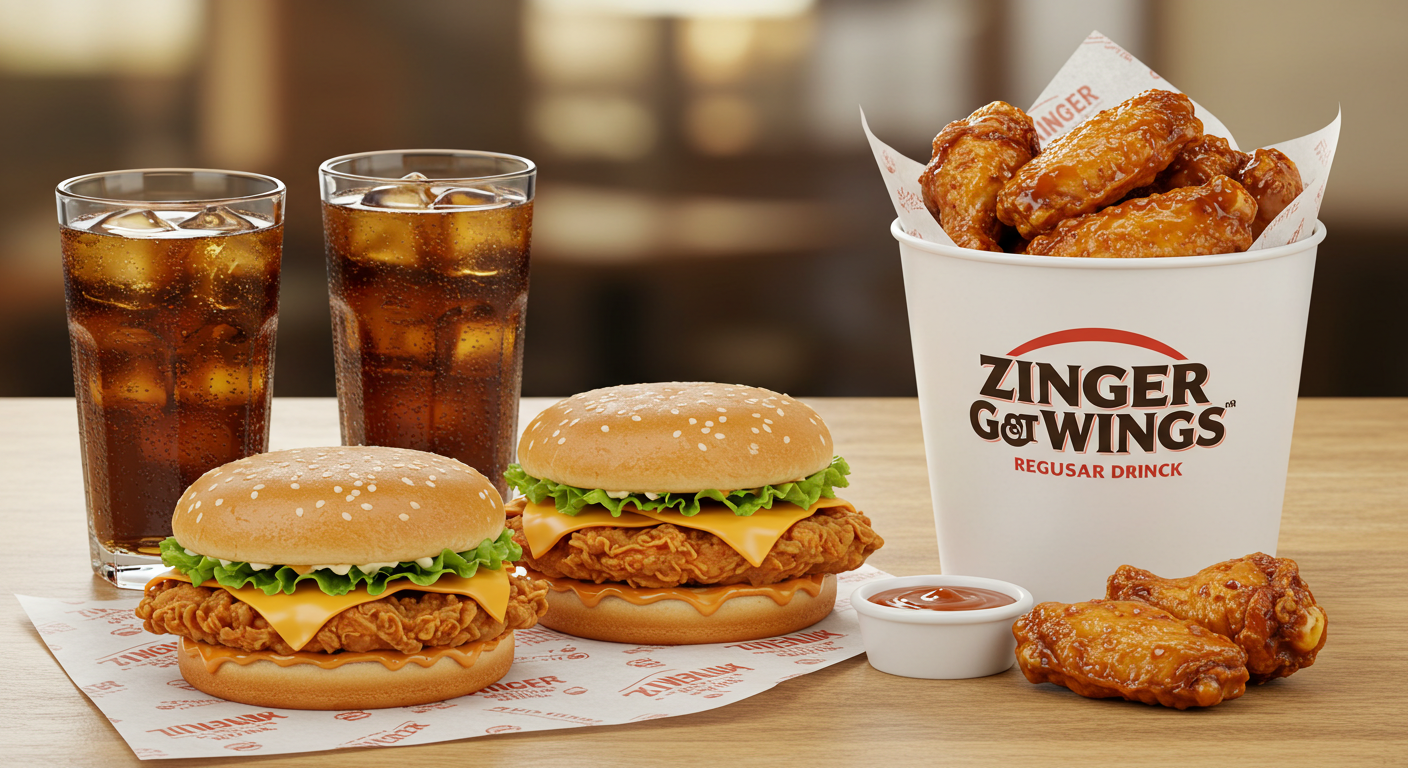
Introduction – The Combo That Changes Everything Big, bold, and full of flavor. That’s what Zinger Got Wings is all about. A combo that brings together everything people crave — crispy burgers, crunchy wings, and refreshing drinks. It’s not just another deal. It’s the next favorite meal everyone’s talking about. Inside the Zinger Got Wings box, you get 2...
Earning a professional certification is a meaningful step toward career growth, especially in industries where specialized knowledge is highly valued. If you're planning to take the AACE-EVP Certification Exam, a well-organized preparation strategy can make the process more manageable and improve your confidence on exam day. Many candidates begin by collecting study materials, but successful...

Global 3D Printing Agrochemicals market was valued at USD 550 Mn in 2025 and is projected to reach USD 950 Mn by 2034, exhibiting a remarkable CAGR of 6.3% during the forecast period. 3D Printing Agrochemicals, an emerging convergence of additive manufacturing and crop‑protection chemistry, has moved from experimental labs into the forefront of sustainable farming practices. Its...
According to TechSci Research report, “Egypt Automotive Aftermarket Market – Industry Size, Share, Trends, Opportunity, and Forecast, 2020-2030F”, the Egypt Automotive Aftermarket Market was valued at USD 1.5 Billion in 2024 and is projected to reach USD 2.28 Billion by 2030, expanding at a CAGR of 7.21% during the forecast period. This growth trajectory reflects a...