


How to Convert MSG Files to PST Quickly and Safely
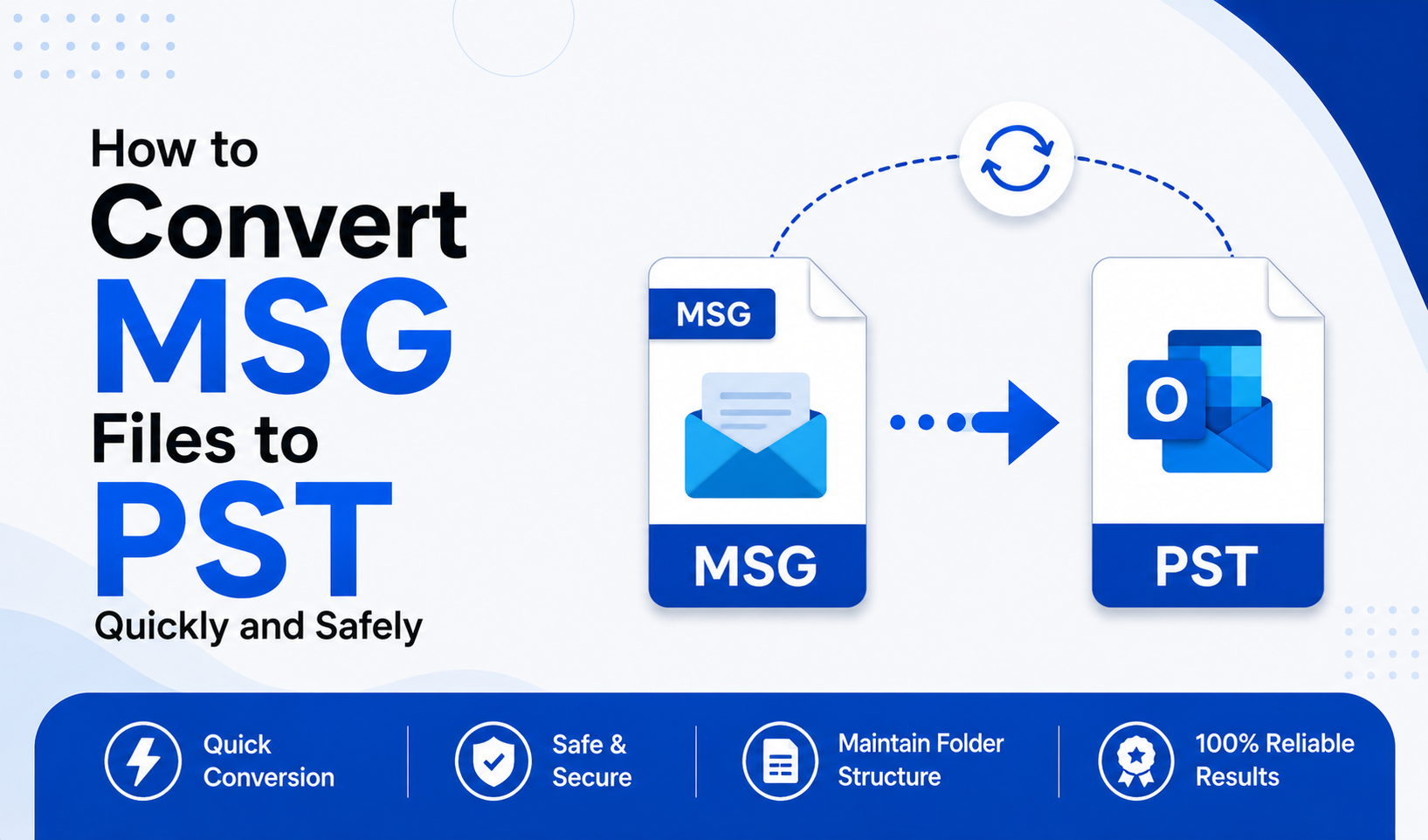
Managing Outlook data efficiently is essential for IT professionals, system administrators, and business users. One common challenge is how to Convert MSG Files to PST without risking data corruption or loss. Whether you're consolidating email archives, migrating systems, or creating backups, understanding the right approach can save time and prevent technical issues.
In this article, we’ll explain what MSG and PST files are, why users need to convert MSG to PST, and the two best methods—manual and automatic—to perform secure and efficient MSG to PST conversion.
Understanding MSG and PST Files
Before you Convert MSG Files to PST, it’s important to understand what these file formats represent.
What is an MSG File?
An MSG file is an individual email message file created by Microsoft Outlook. It stores a single email along with its attachments, metadata, formatting, and header information. MSG files are typically generated when users drag and drop emails from Outlook to their desktop or save individual messages for record-keeping.
Key characteristics of MSG files:
- Stores a single email message
- Contains attachments and formatting
- Easy to share and archive individually
- Not suitable for managing large email collections
What is a PST File?
A PST (Personal Storage Table) file is a data file used by Microsoft Outlook to store emails, contacts, calendars, tasks, and other mailbox items. PST files are ideal for bulk storage and migration because they consolidate multiple email items into a single structured file.
Key characteristics of PST files:
- Stores entire mailbox data
- Supports large email archives
- Easily importable into Outlook
- Suitable for backup and migration
Because PST files allow centralized management of emails, many users need to change MSG to PST for better organization and accessibility.
Why Convert MSG Files to PST?
There are several practical reasons to Convert MSG Files to PST, especially in enterprise environments:
1. Centralized Email Management
MSG files are individual email files. Managing hundreds or thousands of them separately is inefficient. Converting them into a single PST file simplifies organization.
2. Email Migration
When migrating between systems or Outlook accounts, PST files are the standard import/export format. MSG files cannot be directly imported in bulk.
3. Backup and Archiving
PST files provide a structured and reliable way to archive email data. Businesses often convert multiple MSG files to PST for compliance and record-keeping.
4. Reduced Risk of Data Loss
Scattered MSG files are easier to misplace. Consolidating them into PST reduces the risk of accidental deletion.
Method 1: Manual Method to Convert MSG Files to PST
The manual method involves using Microsoft Outlook to drag and drop MSG files into a PST file. This approach is suitable for small-scale conversions.
Steps to Convert MSG to PST Manually:
- Open Microsoft Outlook
- Click on File > New > Outlook Data File
- Choose Outlook Data File (.pst) and create a new PST file
- Locate your MSG files on your system
- Drag and drop the MSG files into the newly created PST folder within Outlook
- Verify that emails appear correctly in the PST structure
Advantages:
- No additional software required
- Simple for small numbers of MSG files
Limitations:
- Time-consuming for bulk conversion
- Not suitable to convert multiple MSG files to PST at once
- Risk of accidental data omission
- Requires Outlook installation
- No advanced filtering options
The manual method works for limited use cases, but for enterprise-level MSG to PST conversion, it may not be practical.
Method 2: Automatic MSG to PST Converter (Professional Method)
For bulk or complex conversions, using a dedicated tool is the most efficient way to Convert MSG Files to PST quickly and safely.
One reliable solution is the SysInfo MSG to PST Converter, designed specifically for secure and seamless msg to pst conversion.
Why Use an Automatic MSG to PST Converter?
Professional tools simplify the process and eliminate manual errors. They allow users to:
- Convert multiple MSG files to PST in bulk
- Preserve email metadata and folder hierarchy
- Maintain attachments and formatting
- Prevent data corruption
- Save time and effort
Steps to Convert MSG to PST Using an Automatic Tool:
- Install and launch the MSG to PST converter software
- Add single or multiple MSG files
- Preview email content before conversion
- Choose PST as the output format
- Apply filters (if needed)
- Select destination path
- Click Convert
The automated solution ensures accurate and secure msg to pst conversion without requiring technical expertise.
Manual vs Automatic MSG to PST Conversion
| Feature | Manual Method | Automatic Converter |
|---|---|---|
| Bulk Conversion | ❌ Limited | ✅ Yes |
| Data Integrity | Moderate Risk | High Accuracy |
| Time Efficiency | Slow | Fast |
| Technical Skill Required | Basic | Minimal |
| Outlook Required | Yes | Not Always |
For occasional use, the manual approach may suffice. However, businesses and IT administrators who need to convert multiple MSG files to PST regularly should opt for an automated solution.
Best Practices to Convert MSG Files to PST Safely
To ensure a smooth MSG to PST conversion, follow these best practices:
- Always back up your MSG files before conversion
- Verify PST file size limitations
- Use trusted and tested conversion software
- Check converted data for integrity
- Avoid interrupting the conversion process
Following these steps minimizes risks and ensures secure data handling.
Conclusion
Knowing how to Convert MSG Files to PST efficiently is essential for structured email management, migration, and archiving. MSG files are useful for storing individual emails, but PST files provide scalability and centralized organization.
There are two primary ways to convert msg to pst:
- Manual Method – Suitable for small numbers of MSG files
- Automatic MSG to PST Converter – Best for bulk, secure, and professional conversion
For businesses and IT professionals, automated tools like SysInfo MSG to PST Converter provide a reliable and time-saving way to change MSG to PST without compromising data integrity.
If you need a fast, secure, and scalable solution to Convert MSG Files to PST, choosing a professional converter is the smartest approach.
Категории
Больше
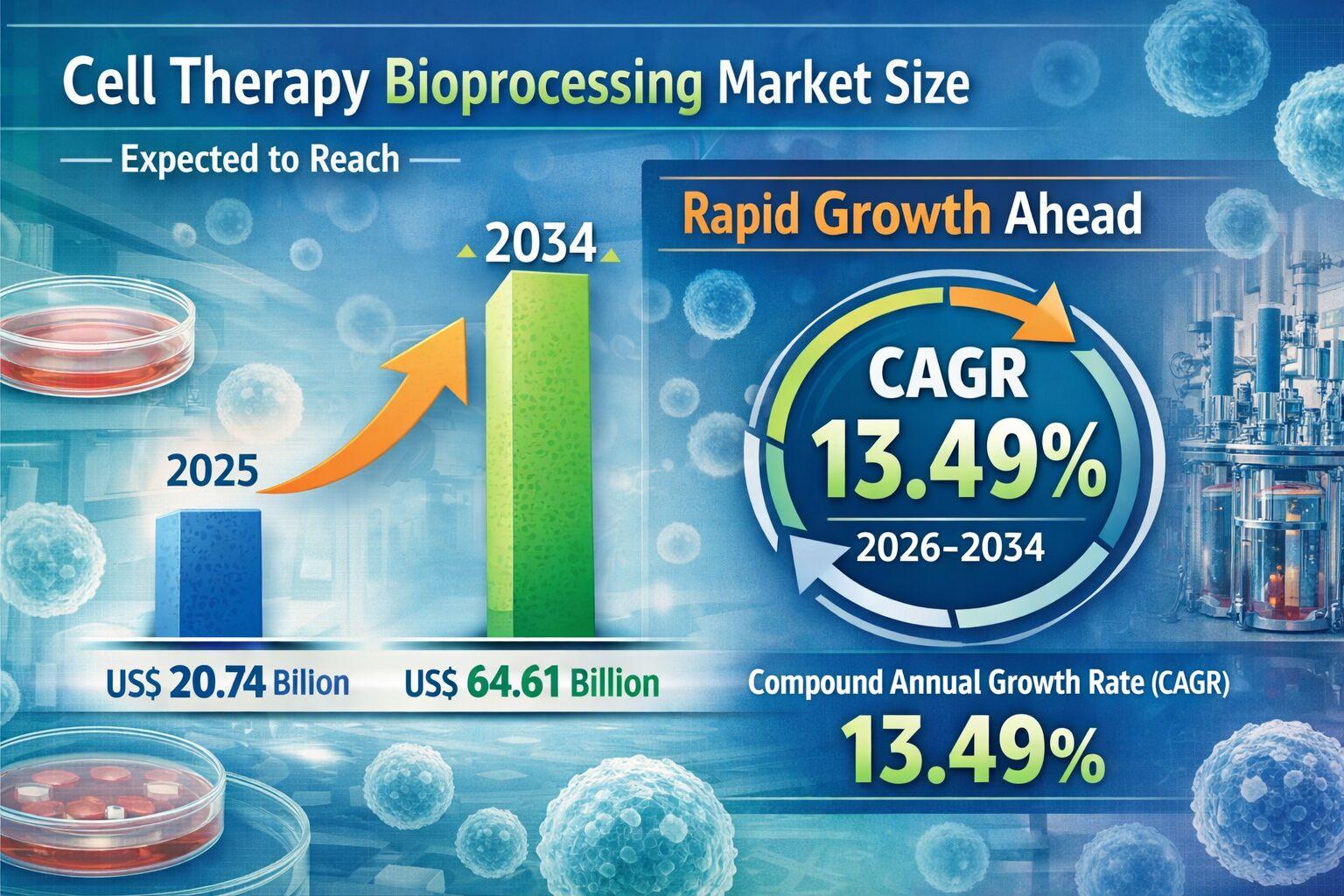
The Cell therapy bioprocessing is a vital component of next generation medicine that uses living cells to repair or replace damaged tissues. Advanced manufacturing platforms help ensure purity, safety, and effectiveness of cell based therapies. Cell Therapy Bioprocessing Market Analysis The Cell therapy bioprocessing Market is becoming a crucial component of the rapidly advancing...
would not it be nice if there was a magic crystal that could see https://www.goldensgoosesonsale.com into the future of fashion wed use it to get a head start on shopping all of the bound to sell out items before it too late. And on the first day of the festival noteworthy ensembles are already rolling. it on the trend but is making its way back into. that can be avoided with a of this kind so...

Legal services can feel intimidating to many people. When someone needs a lawyer, they may already be dealing with stress, uncertainty, or a serious personal or business issue. Before they make contact, they want to know one thing: does this attorney seem like someone I can trust and talk to? That is where professional photography makes a real difference. A strong lawyer photo does more than...

LG U+ from South Korea achieved the most significant speed increase in July's Netflix ISP rankings. Its performance rose by 0.37 Mbps, reaching a new average of 3.23 Mbps. Telefónica-Movistar in Spain and Taiwan Broadband in Taiwan also posted notable gains this month. Conversely, Indonesia's Biznet and Malaysia's Telekom Malaysia Berhad saw their average speeds decline. Substantial...

Future of Executive Summary Nut Processing Equipment Market: Size and Share Dynamics The global nut processing equipment market size was valued at USD 59.78 billion in 2024 and is expected to reach USD 108.21 billion by 2032, at a CAGR of 7.7% during the forecast period. Nut Processing Equipment Market research report is a sure solution to get market...
