Enhancing Checkout Experiences with Commerce Cloud Development
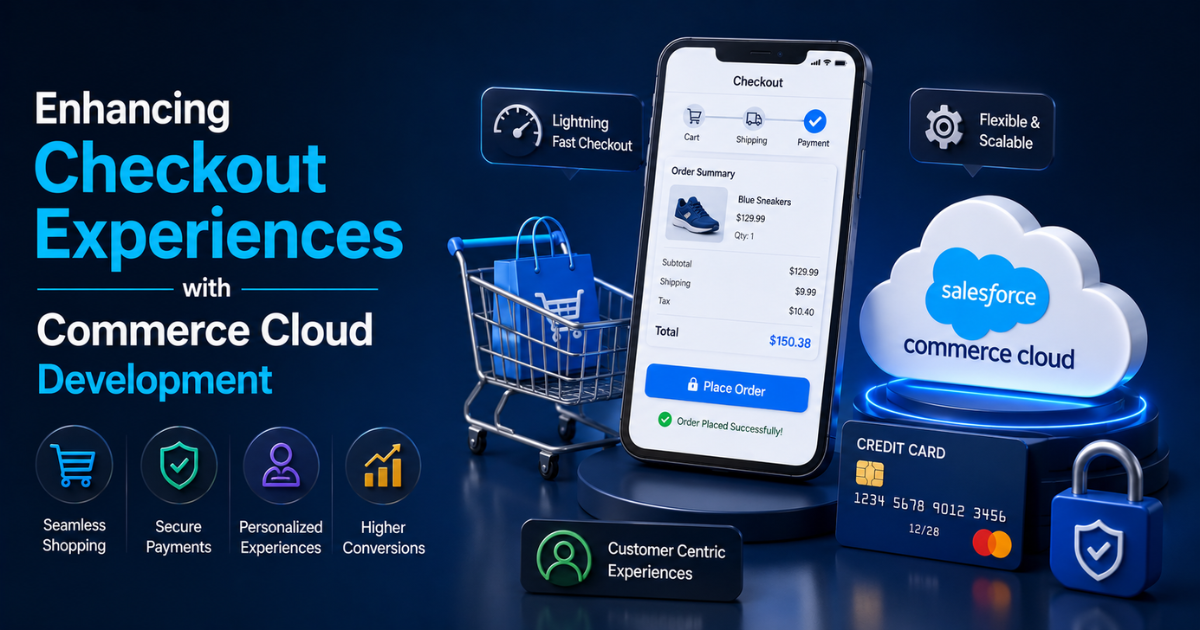
The checkout page decides whether a shopper becomes a customer. Data from the Baymard Institute shows the average cart abandonment rate sits close to 70%. A slow or confusing checkout causes much of this loss. This is why brands turn to Salesforce Commerce Cloud Development to fix broken checkout flows and recover lost revenue.
This looks at how technical teams build faster, smarter, and more secure checkout journeys using Commerce Cloud. It covers real features, common problems, and practical fixes that developers apply every day.
Why Checkout Experience Matters So Much
Checkout is the final step before a sale closes. Even one extra form field can push a buyer away. A Baymard study found that 17% of shoppers abandon a cart because the checkout process feels too long or complicated.
A weak checkout page hurts more than one sale. It damages trust, increases support tickets, and lowers repeat purchase rates. A strong checkout page does the opposite. It builds confidence and speeds up decision-making.
Key Reasons Checkout Needs Constant Attention
-
Mobile traffic now accounts for over 60% of global e-commerce visits.
-
Page load delays of even one second can drop conversions by 7%.
-
Payment failures cause nearly 20% of abandoned carts.
-
Unexpected shipping costs remain the top reason for cart abandonment at 48%.
These numbers show why checkout optimization stays a top priority for retailers using Commerce Cloud.
What Makes Commerce Cloud Suitable for Checkout Optimization
Salesforce Commerce Cloud gives developers tools to rebuild checkout flows without starting from scratch. It supports both B2C and B2B models, and it works well for brands with complex product catalogs.
Commerce Cloud separates the front-end experience from back-end logic. This structure lets developers change checkout design without breaking payment or tax rules.
Core Capabilities Developers Rely On
-
Storefront Reference Architecture (SFRA) for faster storefront builds
-
Open Commerce API (OCAPI) for custom integrations
-
Headless commerce support through Commerce Cloud APIs
-
Built-in support for multiple currencies and languages
-
Native integration with Salesforce Payments and third-party gateways
These features give teams the flexibility to test new checkout designs quickly.
Common Checkout Problems Businesses Face
Before improving checkout, developers must identify what breaks it. Most issues fall into a few clear categories.
1. Long and Confusing Forms
Many checkout pages ask for too much information. Extra fields slow shoppers down and raise the chance of drop-off.
2. Forced Account Creation
Some stores require account sign-up before purchase. This step turns away buyers who want a fast, guest checkout option.
3. Limited Payment Choices
Shoppers expect multiple payment methods. A checkout page with only one or two options loses customers who prefer digital wallets or buy-now-pay-later plans.
4. Poor Mobile Design
A checkout page built for desktop often breaks on smaller screens. Buttons become hard to tap, and forms misalign.
5. Slow Page Speed
Every added second at checkout increases the risk of abandonment. Heavy scripts and unoptimized images slow load times.
How Salesforce Commerce Cloud Development Solves These Problems
Salesforce Commerce Cloud Development Services focus on fixing these exact pain points. Developers apply technical solutions that match each business need.
1. Simplifying the Checkout Flow
Developers reduce the number of steps and fields. A single-page checkout often performs better than a multi-page one. Fewer clicks mean fewer chances for shoppers to leave.
Best practices include:
-
Combining shipping and billing steps when addresses match
-
Auto-filling fields using saved customer data
-
Removing fields that are not required for order processing
2. Enabling Guest Checkout
Guest checkout removes a major barrier. Shoppers can buy without creating an account. Data from Salesforce shows that stores offering guest checkout see conversion rate increases of up to 45%.
Developers configure this feature directly within Commerce Cloud settings, then customize the flow to match brand needs.
3. Expanding Payment Options
Commerce Cloud supports integration with major payment gateways. Developers add options like:
-
Credit and debit cards
-
Digital wallets such as Apple Pay and Google Pay
-
Buy-now-pay-later services
-
Bank transfers for B2B orders
More payment choices reduce failed transactions and support different customer preferences.
4. Building Mobile-First Checkout Pages
Since most shoppers browse on mobile, developers design checkout pages for small screens first. This includes:
-
Larger buttons for easy tapping
-
Simplified navigation with fewer menus
-
Auto-detection of card type and formatting
-
One-thumb scrolling for form completion
A mobile-first checkout reduces friction for the majority of today's shoppers.
5. Improving Page Speed
Speed directly affects conversion. Developers use several techniques to cut load times:
-
Compressing images without losing quality
-
Reducing third-party scripts on the checkout page
-
Using lazy loading for non-essential elements
-
Caching static content through Commerce Cloud's CDN
Google reports that pages loading within two seconds see much higher conversion rates than slower pages.
Personalization in Checkout
Personalization is not limited to product pages. Checkout can use customer data too. Salesforce Commerce Cloud Development Services often include personalized checkout features such as:
-
Showing saved addresses and payment methods for returning customers
-
Recommending shipping options based on order value
-
Displaying loyalty points or rewards during checkout
-
Offering region-specific tax and currency handling
Personal touches at checkout build trust and reduce hesitation.
Security and Trust Signals
Security concerns stop many shoppers from completing a purchase. A checkout page must show clear trust signals.
Steps Developers Take to Build Trust
-
Adding SSL certificates and HTTPS across all checkout pages
-
Displaying security badges near payment fields
-
Using tokenization to protect card data
-
Meeting PCI DSS compliance standards
-
Adding fraud detection tools within the payment flow
A secure checkout page keeps both the business and the customer protected.
Integration with Other Systems
A checkout page does not work alone. It connects to inventory, tax, shipping, and CRM systems. Salesforce Commerce Cloud Development allows smooth integration with:
-
ERP systems for real-time inventory checks
-
Tax calculation engines for accurate pricing
-
Shipping carriers for live rate quotes
-
CRM platforms for customer history and support
These integrations keep checkout data accurate and reduce order errors.
Testing and Optimization Strategies
Checkout pages need ongoing testing. Developers do not treat checkout as a one-time build. They test, measure, and adjust based on real data.
Common Testing Methods
-
A/B testing different checkout layouts
-
Heatmap tracking to see where users click or hesitate
-
Funnel analysis to find exact drop-off points
-
Session recordings to watch real user behavior
Regular testing helps teams catch small problems before they cause big revenue losses.
Case Example: Reducing Cart Abandonment Through Checkout Redesign
A mid-size fashion retailer faced a 68% cart abandonment rate on its online store. After reviewing checkout data, the development team found three main issues: a five-step checkout process, no guest checkout option, and limited payment methods.
The team rebuilt the checkout flow using Salesforce Commerce Cloud. They cut the process to two steps, added guest checkout, and included three new payment options.
Within three months, cart abandonment dropped to 51%. Mobile conversions increased by 32%. This example shows how targeted Commerce Cloud Development Services fix real business problems.
Measuring Checkout Success
Developers and business teams track specific metrics to judge checkout performance.
Metrics That Matter Most
-
Cart abandonment rate
-
Checkout completion rate
-
Average time spent on checkout pages
-
Payment failure rate
-
Mobile versus desktop conversion rate
Tracking these numbers over time shows whether checkout changes bring real results.
Future Trends in Commerce Cloud Checkout Development
Checkout technology keeps changing. Developers working with Commerce Cloud watch several trends closely.
What to Expect Next
-
Wider use of one-click checkout options
-
Growth of voice-assisted shopping and payment
-
More AI-based fraud detection during checkout
-
Increased use of biometric authentication for payments
-
Expansion of buy-now-pay-later services across more regions
Businesses that adopt these trends early gain an edge over slower competitors.
Conclusion
Checkout is where sales either close or fail. Small technical changes can produce large gains in revenue. Salesforce Commerce Cloud Development gives businesses the tools to fix slow forms, limited payment options, and mobile design flaws.
Companies that invest in Salesforce Commerce Cloud Development Services see fewer abandoned carts and higher customer satisfaction. As shopping habits keep shifting toward mobile and instant payment methods, checkout optimization remains a core part of any strong e-commerce strategy.
Categorias
Leia mais
SAP (Systems, Applications, and Products) is one of the most widely used enterprise resource planning (ERP) software solutions in the world. From finance and supply chain to human resources and logistics, SAP enables organizations to streamline operations and make data-driven decisions. By enrolling in a SAP Training in Chandigarh program, you can gain in-demand skills, advance your...

Introduction Right now, folks who love games crave quick score checks, live game details, athlete headlines, alongside tourney rundowns. Because of internet growth, tracking preferred squads feels nothing like it did before. A site named Dafawin shows up where fans plug into current plays plus sports facts without delay. From cricket matches to soccer fields, even hoops courts or tennis...

The plastic 3D printing automotive market is transforming the manufacturing landscape. As per MRFR analysis, increasing demand for lightweight vehicle components, cost-effective prototyping, and rapid production cycles are driving the adoption of plastic 3D printing technologies in the automotive sector. Manufacturers are leveraging this technology to enhance design flexibility, reduce...

Farms play an essential role in providing fresh food, supporting local economies, and preserving agricultural traditions. A Carolina farm represents the rich farming heritage found throughout the Carolinas, where agriculture continues to contribute significantly to both rural communities and regional food production. From growing crops to raising livestock, farms help meet consumer demand while...

In the digital age, online lottery platforms have become increasingly popular among players seeking convenience, variety, and instant access to results. One such platform that has captured the attention of lottery enthusiasts is Dewatogel. However, due to various restrictions or personal preferences, some users often look for reliable Dewatogel alternatif options. This article explores the...