


How to Set Up Shopify Upsells That Convert
Upsells can be one of the simplest ways to increase average order value on Shopify without needing more traffic. The key is not just showing extra products, but showing the right offer at the right moment in a way that feels helpful rather than pushy. For store owners looking for practical ways to improve results, learning how to sell upsell on shopify can make a measurable difference when the strategy is built around customer intent, product fit, and timing.
Done well, upsells feel like a natural extension of the shopping experience. A customer buying running shoes may appreciate a water-resistant spray. Someone purchasing a coffee maker may welcome a set of reusable filters. These offers work because they solve a related need, not because they simply add more items to a cart. In this guide, we will look at how to set up Shopify upsells that convert, from choosing the right products to placing offers where customers are most likely to respond.
Key points
- Choose upsell products that complement the original purchase.
- Keep offers simple, relevant, and easy to accept.
- Use timing carefully, especially at product page, cart, and post-purchase stages.
- Test offer copy, pricing, and placement to improve conversion rates.
- Measure performance using average order value, acceptance rate, and customer behavior.
What Makes a Shopify Upsell Effective?
A strong upsell is relevant, convenient, and low-friction. Customers are more likely to accept an offer when it makes sense alongside the item they already want. The most effective upsells usually answer one of three needs: better results, added convenience, or protection for the main purchase.
Relevance matters most
If the extra item feels random, the customer will ignore it. For example, a skincare store might suggest a cleanser or SPF product after a moisturizer, while a pet store could offer a grooming brush after food or treats. The connection should be easy to understand in a second or two.
Reduce hesitation
A good upsell does not require much thought. It should be a quick yes or no. Avoid long explanations or complicated bundles. Short, clear language usually performs better because it respects the shopper’s time and keeps the buying process moving.
Choose the Right Products to Upsell
Not every product should be used as an upsell. The best candidates are items with strong logical ties to the main product, healthy margins, and a simple value proposition. Start by reviewing your catalog and identifying products that naturally pair together.
Common product pairings
- Accessories that support the main product
- Refills or consumables that extend usage
- Premium versions with added features
- Protection items such as cases, warranties, or cleaning kits
- Complimentary items used together in one routine
For example, a home fitness store might upsell resistance bands with a yoga mat, while a coffee brand might offer a grinder with whole-bean coffee. The goal is to make the customer feel like they are improving the purchase they already planned to make.
Place Upsells at the Right Stage of the Journey
Timing affects conversion. Shopify stores typically see upsell opportunities in three main places: on the product page, in the cart, and after checkout. Each stage has a different purpose and level of customer attention.
Product page upsells
These are useful when the customer is still comparing options. You can suggest a related item or a bundle that improves the main product. Keep the offer subtle so it does not distract from the core purchase.
Cart upsells
Cart upsells work well because the customer has already shown buying intent. At this point, they are close to purchasing and may accept a small add-on if it feels useful. This is a strong place for low-cost, high-relevance offers.
Post-purchase upsells
Post-purchase offers appear after the buyer completes the order. Since payment details are already entered, this stage can convert well if the offer is highly relevant. These are often best for add-ons, refills, or upgrades that do not require a lot of extra decision-making.
Write Upsell Copy That Feels Helpful
The words you use matter. Upsell copy should sound like a recommendation from a knowledgeable store associate, not a sales pitch. Keep the language simple, specific, and benefit-focused.
Use clear benefit statements
Instead of saying, “Add this item to your order,” try something more useful like, “Protect your purchase with a scratch-resistant case” or “Keep your device charged with a compact backup cable.” The customer should immediately understand why the offer matters.
Keep the message short
Long paragraphs can create friction. A headline, one sentence of explanation, and a clear button are often enough. The more effortless the decision feels, the more likely the customer is to respond.
Price Upsells for Easy Acceptance
Pricing can make or break an upsell. If the offer feels too expensive compared with the main product, customers will hesitate. The most effective upsells are usually low enough to feel like a small add-on, but valuable enough to seem worthwhile.
Use simple pricing logic
Many stores see better results with offers that cost a fraction of the original product price. For example, a $12 accessory may convert better alongside an $80 item than a $45 add-on. The customer should not feel like the purchase is being expanded too aggressively.
Consider bundle savings
Bundles can increase perceived value when they are framed clearly. If a customer can save a small amount by adding related items together, that may motivate action without reducing trust. Just make sure the discount is easy to understand and not buried in fine print.
Use Visuals That Support the Offer
Customers shop visually, so the way an upsell is presented matters. A clean product image, simple layout, and clear button can improve engagement. Visual clutter often reduces trust, especially if the offer appears too busy or hard to scan.
Best practices for presentation
- Use a high-quality image that matches the product shown
- Keep the design consistent with the rest of the store
- Make the add-to-order action obvious
- Limit the number of offers shown at one time
The goal is clarity. When customers can quickly understand the offer, they are more likely to act.
Test and Improve Your Upsells
Upselling is not a one-time setup. The best-performing stores continually test offers and refine them based on data. Small changes in wording, placement, or price can have a noticeable impact on results.
What to test
- Different product pairings
- Headline and button wording
- Offer placement on product, cart, or post-purchase pages
- Discount levels or bundle pricing
- Single-item offers versus multi-item bundles
Track which offers lead to accepted upsells and which ones get ignored. If an upsell has a high impression count but a low acceptance rate, it may need better relevance or simpler copy. If customers accept the offer but overall order value does not increase enough, the pricing or product choice may need adjustment.
Measure the Right Metrics
To know whether your upsells are working, focus on metrics that reflect both customer behavior and business impact.
Important metrics to watch
- Upsell acceptance rate: The percentage of shoppers who accept the offer
- Average order value: Whether orders become more valuable over time
- Conversion rate: Whether upsells are hurting or helping overall sales
- Revenue per visitor: A broader view of store performance
A successful upsell strategy improves revenue without creating friction. If customers start abandoning carts or rejecting offers more often, the upsell may be too aggressive or poorly matched to the buyer’s intent.
Common Mistakes to Avoid
One of the biggest mistakes is offering too many upsells at once. Too many choices can overwhelm shoppers and lower trust. Another common issue is suggesting products that do not relate closely enough to the purchase. Even if the extra item is profitable, it will not convert if it feels disconnected.
It is also important not to interrupt the buying flow. If an upsell blocks checkout or makes the process feel longer, it may do more harm than good. The best upsells support the purchase instead of competing with it.
Conclusion
Setting up Shopify upsells that convert comes down to relevance, timing, simplicity, and testing. When you choose products that genuinely fit the customer’s needs and present them in a clear, helpful way, upsells can raise order value without damaging the shopping experience. Focus on offers that solve a problem, reduce effort, or enhance the original purchase. Then review your results regularly and refine based on what customers actually respond to. A thoughtful upsell strategy can become a dependable part of long-term store growth.
FAQ
What is the best type of upsell for Shopify?
The best upsell is usually a product that directly complements the item the customer is already buying. Accessories, refills, and simple upgrades often perform well because they feel useful and easy to accept.
Where should I place upsells on my Shopify store?
Common placement options include product pages, cart pages, and post-purchase screens. The best location depends on the type of offer and how much attention the customer is likely to give at that stage.
How many upsells should I show?
Usually one or two highly relevant offers work better than several competing options. Too many choices can create friction and reduce conversions.
Do discounts improve upsell performance?
Sometimes, but not always. A discount can help if the offer is already relevant. However, the product itself and the timing of the offer are often more important than price alone.
How do I know if my upsells are working?
Watch your upsell acceptance rate, average order value, and revenue per visitor. If those numbers improve without hurting checkout completion, your upsells are likely working well.
Should upsells feel personalized?
Yes. The more closely an upsell matches the customer’s original purchase, the better it tends to perform. Relevance is one of the strongest drivers of conversion.
Categorie
Leggi tutto
"Future of Executive Summary Enterprise Content Collaboration Market: Size and Share Dynamics Data Bridge Market Research analyses that the enterprise content collaboration market was valued at USD 9.66 billion in 2021 and is expected to reach the value of USD 36.81 billion by 2029, at a CAGR of 18.20% during the forecast period of 2022-2029. The Enterprise Content Collaboration...

The demand for skilled full-stack developers continues to grow as businesses increasingly rely on web applications to deliver products and services. Startups, IT companies, and digital agencies are looking for professionals who can build complete applications using modern JavaScript technologies. For aspiring developers in Kerala, choosing a mern stack course in kochi can be a practical...
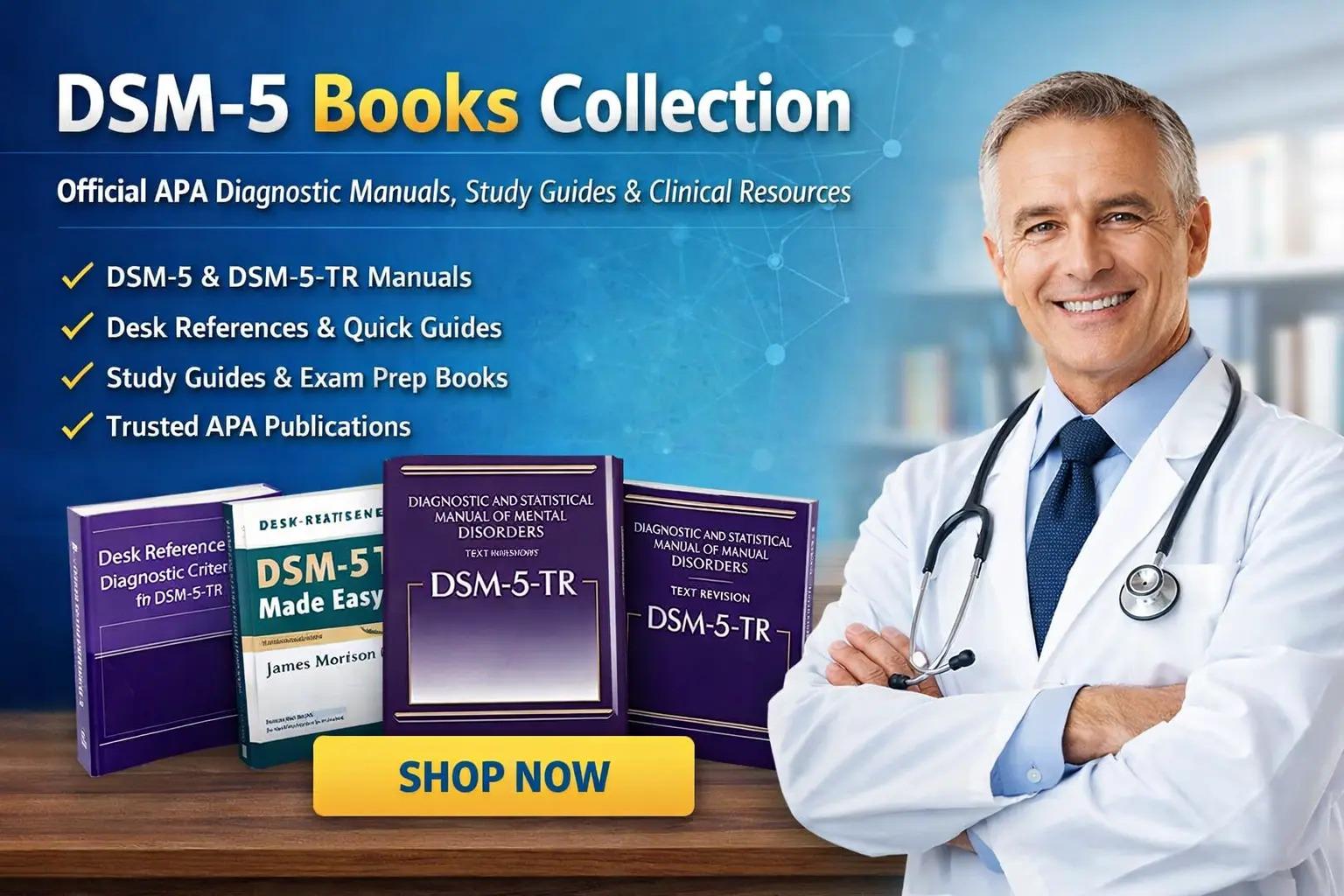
If you’ve been searching for the most authoritative guide in modern psychology, your wait ends here. The moment to act is now. The demand for the DSM 5 psychology book has never been higher, and those who delay risk missing out on one of the most essential resources in the field. Whether you're a student, practitioner, or passionate learner, this is your opportunity to secure the...
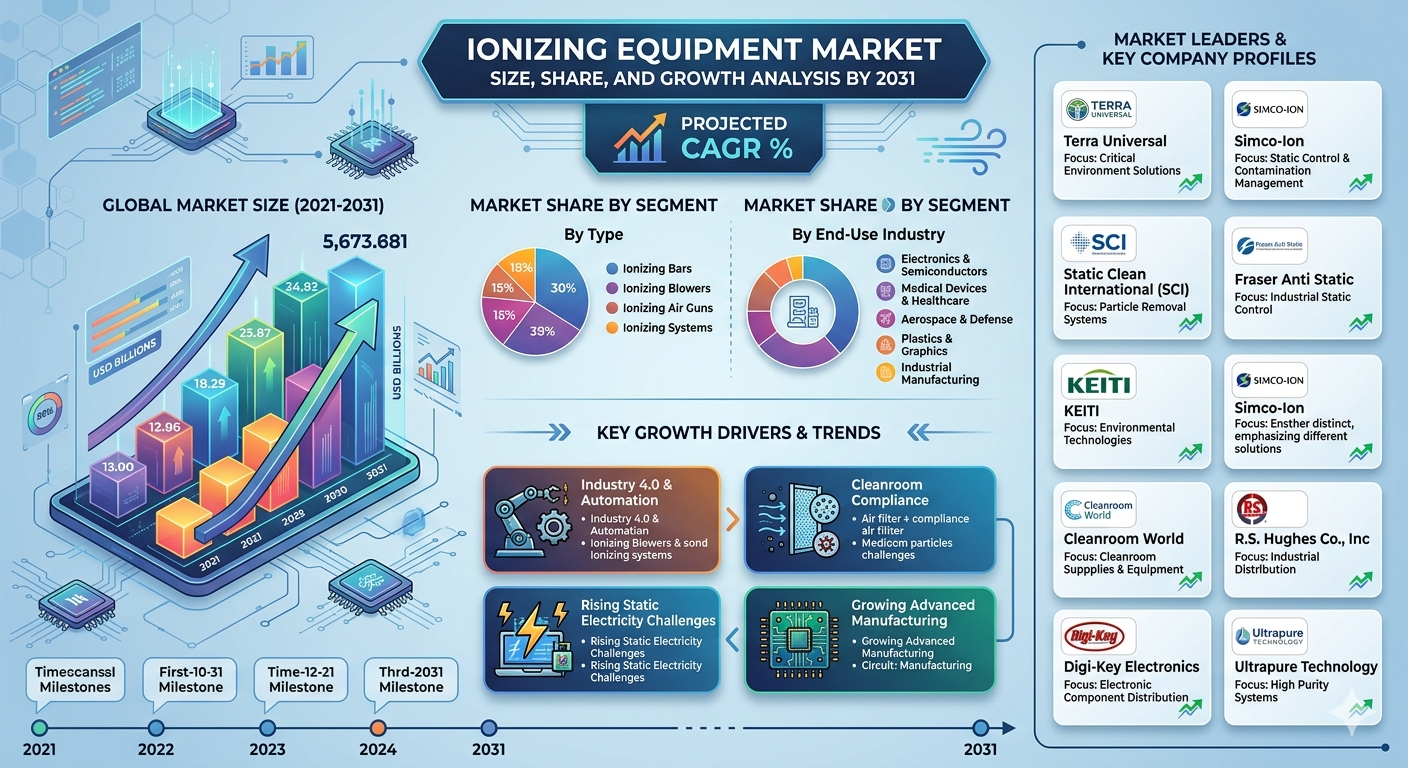
Industries across the globe are increasingly adopting advanced static elimination technologies to improve operational safety, manufacturing precision, and product quality. Ionizing equipment has become essential in sectors such as electronics, pharmaceuticals, food processing, packaging, and cleanroom manufacturing, where electrostatic discharge can damage products or interrupt production...
NDIS Support Coordinator services help participants understand their NDIS plan, connect with the right providers, and confidently achieve their goals. If you’re looking for NDIS Support Coordination Perth, 7Days Care provides personalised guidance to help you make the most of your NDIS funding. Finding the right disability support can feel overwhelming, especially when...
