


How Do I Know If My Phone Is Linked to Another Device Safely
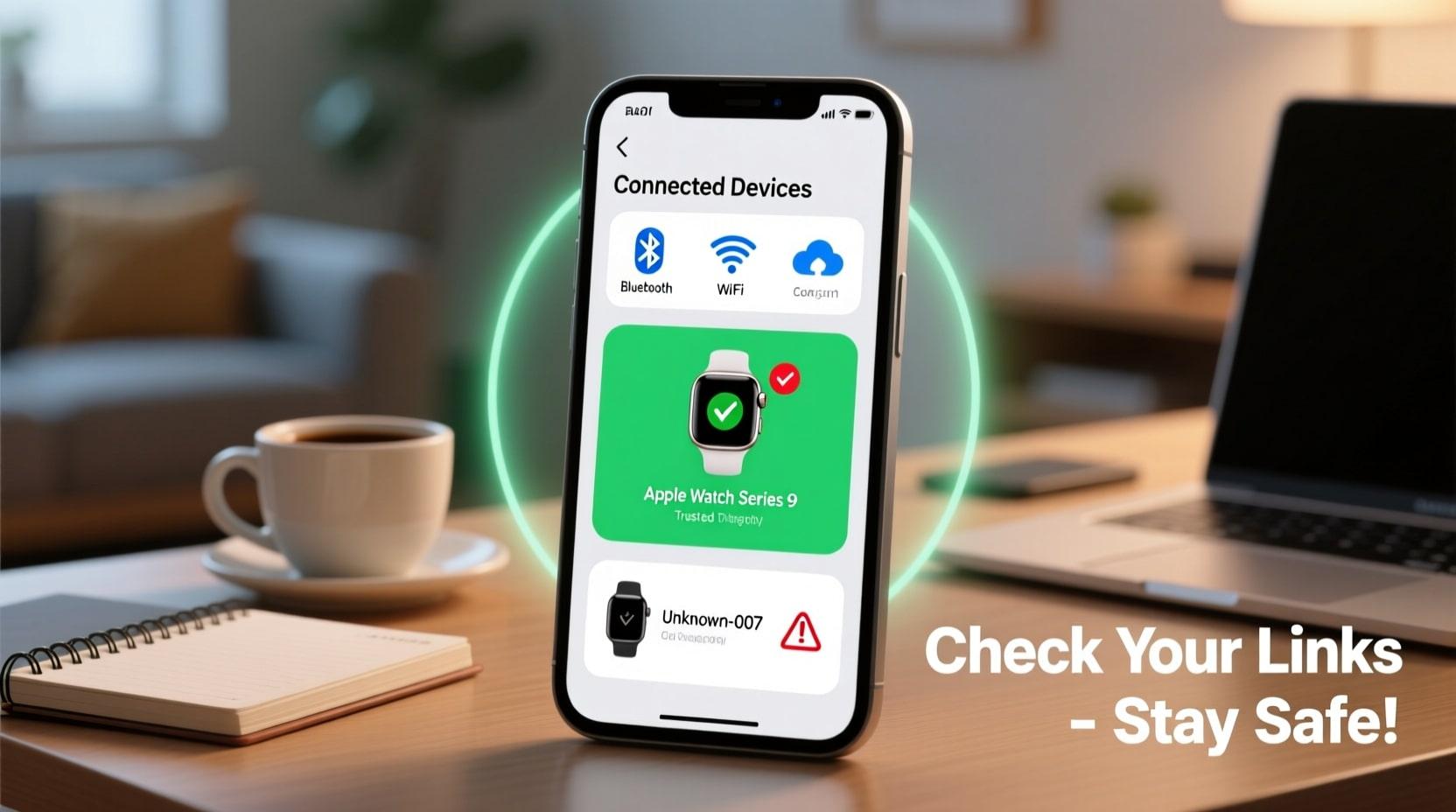
In today's connected world, our phones link to multiple devices daily. From Bluetooth headphones to smartwatches and laptops to tablets, these connections make life easier. But here's the thing. Not all connections are created equal. Some might put your privacy at risk. So, how do I know if my phone is linked to another device safely? This question matters more than ever as cyber threats continue to grow. Understanding which devices have access to your phone helps protect your personal information from unwanted eyes.
Understanding Phone Connections and Their Risks
Your smartphone can connect to other devices in several ways. Bluetooth, Wi-Fi, cloud services, and direct pairing all create links between your phone and external gadgets. Each connection type carries its own security considerations.
Bluetooth connections are common for accessories like speakers and fitness trackers. Wi-Fi allows screen mirroring and file sharing. Cloud services sync your data across multiple devices automatically. While these features offer convenience, they also create potential entry points for unauthorized access.
The real concern arises when someone links to your phone without your knowledge. This could happen through malware, shared account access, or physical tampering. Recognizing the signs of unwanted connections is your first line of defense.
How to Check Linked Devices on Your Phone
Both Android and iPhone users can easily review connected devices. The process takes just a few minutes and provides peace of mind.
For Android users, go to Settings, then tap on Connected Devices or Bluetooth. You'll see a list of currently paired devices and previously connected ones. Review each item carefully. If something looks unfamiliar, remove it immediately.
iPhone users should navigate to Settings, then Bluetooth. Scroll down to see My Devices. For a broader view, check your Apple ID settings. Tap your name at the top of Settings, then select Devices. This shows every Apple device linked to your account.
Google and Apple accounts often connect multiple devices through cloud services. Check these account settings regularly. Remove any device you don't recognize or no longer use.
Signs Your Phone Might Be Linked Unsafely
Several warning signs suggest your phone has an unauthorized connection. Pay attention to these red flags.
Battery draining faster than usual could indicate hidden processes running in the background. Some spy apps and unauthorized connections consume significant power while transmitting data.
Unusual data usage spikes might mean information is being sent to another device. Check your data consumption patterns monthly. Unexplained increases deserve investigation.
Strange noises during calls, like clicking or static, sometimes indicate call monitoring. While network issues can cause similar sounds, consistent problems warrant concern.
Apps appearing that you didn't download signal potential tampering. Someone with access to your device or account could install monitoring software remotely.
Your phone feeling warm even when idle suggests background activity. This, combined with other signs, points toward possible unauthorized connections.
How Do I Know If My Phone Is Linked to Another Device Securely?
Knowing whether a connection is safe requires checking a few key factors. Legitimate connections share common characteristics that distinguish them from suspicious ones.
Safe connections typically require your explicit permission. You initiated the pairing process. You recognize the device name. The connection serves a clear purpose you intended.
Check the permissions granted to connected devices. A Bluetooth speaker needs audio access, not your contacts or messages. If a device requests unnecessary permissions, that's a warning sign.
Review your phone's security settings regularly. Enable two-factor authentication on all accounts. This prevents unauthorized device links even if someone obtains your password.
Use your phone's built-in security features. Android offers Google Play Protect to scan for harmful apps. iPhone users benefit from Apple's strict app review process. Keep these protections active.
Steps to Secure Your Phone Connections
Taking proactive measures keeps your phone connections safe. Start by auditing all linked devices today.
Remove any device you don't recognize. It's better to repair a legitimate device than leave a suspicious one connected. When in doubt, disconnect it.
Change your account passwords if you suspect unauthorized access. Create strong, unique passwords for each account. Consider using a password manager to keep track.
Update your phone's software regularly. Security patches fix vulnerabilities that hackers exploit. Automatic updates ensure you're always protected.
Turn off Bluetooth and Wi-Fi when not in use. This simple habit prevents opportunistic connections. It also saves battery life.
Avoid connecting to unknown devices or networks. Public Wi-Fi and random Bluetooth requests pose significant risks. Stick to trusted connections only.
Factory reset your phone if you suspect a serious compromise. This removes all apps and settings, eliminating hidden threats. Back up important data first, then start fresh.
Maintaining Long-Term Device Security
Protecting your phone connections is an ongoing process. Make security checks a regular habit.
Monthly reviews of connected devices Catch problems early. Set a reminder to check your Bluetooth pairings and account device lists. Remove anything outdated or unfamiliar.
Stay informed about new security threats. Knowledge helps you recognize and avoid emerging risks. Tech news sources provide helpful updates without being overwhelming.
Teach family members about safe connection practices. Shared accounts mean shared vulnerabilities. Everyone using your devices should understand basic security.
Understanding "How do I know if my phone is linked to another device?" safely empowers you to take control of your digital privacy. Regular monitoring, quick removal of suspicious connections, and strong security practices keep your personal information protected. Your phone holds your life. Treat its security with the attention it deserves.
Categorieën
Read More
Looking for the best fermentation UAE products? Discover premium milk kefir grains and live sourdough starter in Dubai with fast delivery across the UAE. Start fermenting at home today. Fermentation UAE – Start Your Home Fermentation Journey The demand for fermentation UAE products is growing rapidly as more people in Dubai and across the UAE focus on gut health, natural living, and...

Polaris Market Research has published a new report titled Dental Obturators Market Share, Size, Trends, Industry Analysis Report, By Type (Surgical Obturators, Interim Obturators, Definitive Obturators), By End-use (Hospitals, Dental Clinics, Others), By Region, And Segment Forecasts, 2024 - 2032. that delivers up-to-date analysis with analyses of the current and future effects of the...

Udyam Registration is an important government initiative introduced to simplify the registration process for Micro, Small, and Medium Enterprises (MSMEs) in India. It provides official recognition to small businesses and enables them to access various financial, legal, and operational benefits offered by the government. Introduction to Udyam Registration Udyam Registration is an online MSME...
Introduction Cloud computing has transformed the way businesses build, deploy, and manage applications. Among the leading cloud platforms, Microsoft Azure stands out as one of the most powerful and widely used solutions. Enrolling in an Azure course in Chandīgarh can help students and professionals gain the skills needed to work with modern cloud infrastructure and advance their IT careers....

The global folding cartons market is entering a sustained growth phase, supported by accelerating demand for sustainable packaging solutions, expansion of the food & beverage and pharmaceutical industries, and rapid advancements in printing and manufacturing technologies. Valued at USD 139.2 billion in 2025, the market is projected to reach USD 234.3 billion by 2036, registering a steady...
