


How to Calculate the Cost of AdWords Keywords Fast
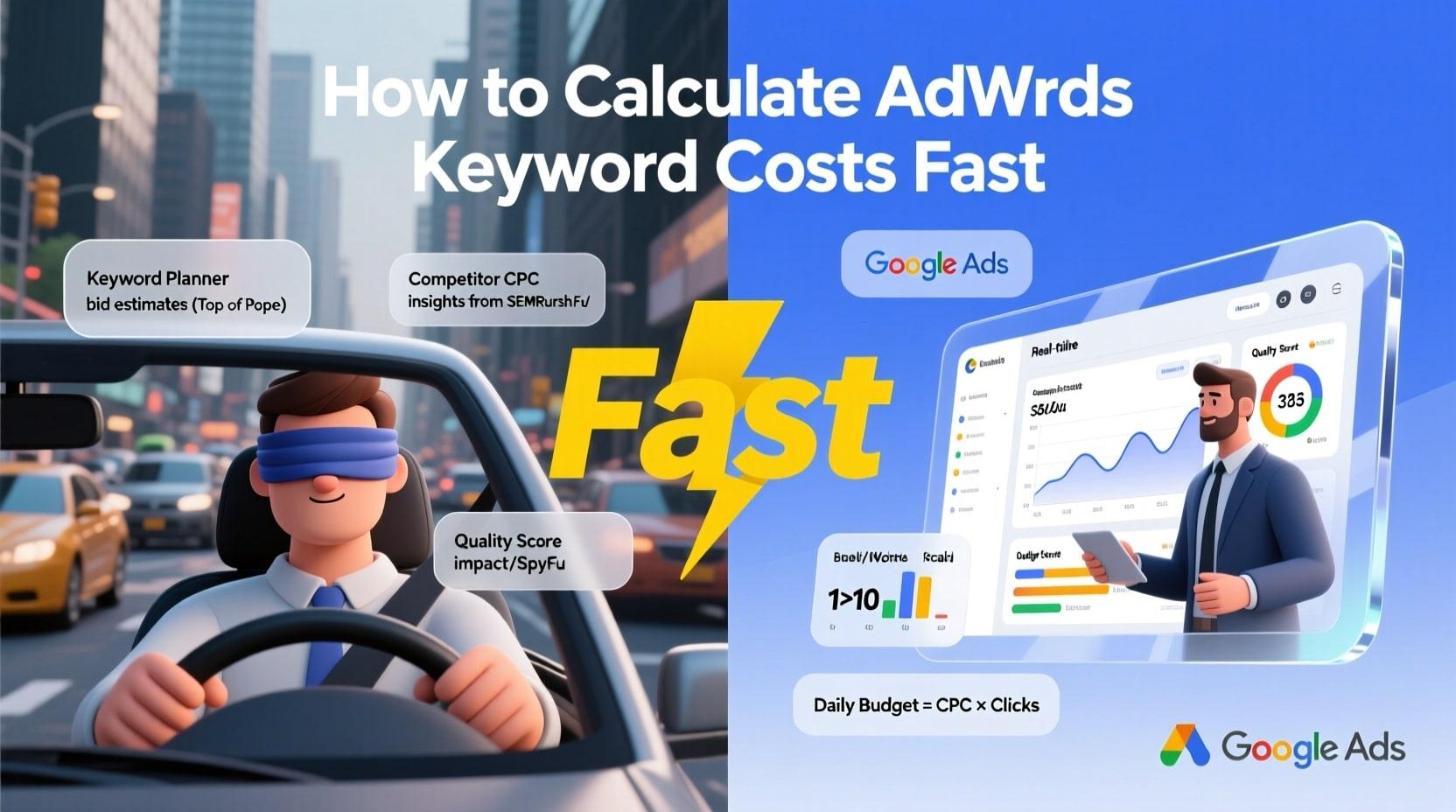
Running Google Ads without knowing your numbers is like driving blindfolded. You might get somewhere, but you'll probably crash. Understanding the cost of AdWords keywords is essential before you spend a single dollar on advertising. The good news? You don't need hours of research or expensive tools to figure this out.
Let me show you exactly how to calculate these costs quickly and accurately.
Why Keyword Costs Matter for Your Campaign
Every keyword in Google Ads comes with a different price tag. Some cost a few cents per click. Others can cost you fifty dollars or more. This variation depends on competition, industry, and how valuable that traffic is to advertisers.
If you skip this research step, you might target keywords you can't afford. Or worse, you could miss affordable keywords that bring great results. Knowing costs upfront helps you build realistic budgets and set proper expectations.
Use Google Keyword Planner for Quick Estimates
Google Keyword Planner is your first stop. It's free and gives you direct data from Google itself.
Here's how to use it fast:
-
Sign into your Google Ads account
-
Click on Tools and Settings
-
Select Keyword Planner
-
Choose "Discover new keywords" or "Get search volume and forecasts."
-
Enter your keyword ideas
-
Review the suggested bid ranges
The tool shows you low and high bid estimates. These numbers tell you what advertisers typically pay for those keywords. Focus on the "Top of page bid" columns for the most useful data.
Don't have a Google Ads account yet? You can create one without running ads. Google just needs basic account setup before giving you access to the planner.
Understanding the Cost of AdWords Keywords Through Competitor Analysis
Your competitors already did the testing. Why not learn from their spending?
Tools like SEMrush, SpyFu, and Ahrefs let you peek at competitor keyword strategies. Enter a competitor's domain and see which keywords they bid on. These tools also show estimated costs per click.
The data isn't perfect since it's based on algorithms and sampling. But it gives you a solid ballpark figure. When three different tools show similar numbers, you can trust that estimate.
Free versions of these tools work fine for basic research. You can check a limited number of keywords daily without paying anything.
Factor in Your Quality Score
Google doesn't charge everyone the same price for identical keywords. Your Quality Score changes what you actually pay.
Quality Score runs from 1 to 10. Higher scores mean lower costs. Google rewards advertisers who create relevant ads and useful landing pages.
Here's a rough guide:
A quality score of 6 is average. You'll pay close to the estimated bid.
A Quality Score of 8 or higher can reduce your costs by 30% or more.
A Quality Score of 4 or lower might increase costs by 25% to 50%.
When calculating expected costs, assume average quality unless you have existing campaign data. Once your ads run for a while, you can adjust projections based on actual Quality Scores.
Calculate Your Total Budget Quickly
Now let's put the pieces together with simple math.
Take your estimated cost per click. Multiply it by expected clicks. That gives you daily or monthly spending projections.
Example: Your keyword costs $2.50 per click. You want 100 clicks daily. Your daily budget needs to be $250. Monthly, that's roughly $7,500.
Want to work backwards? Start with your budget. Divide by cost per click. That tells you how many clicks you can afford.
A budget of $1,000 monthly divided by $2.50 per click equals 400 clicks. Now you know what traffic volume to expect.
Use the Forecasting Tool for Faster Projections
Google Keyword Planner includes a forecasting feature that does heavy lifting for you.
Enter your keywords, set your daily budget, and choose your target location. Google shows projected clicks, impressions, and costs. It even estimates conversions if you input your expected conversion rate.
This tool updates projections in real time. Adjust your budget slider and watch the numbers change instantly. You can test different scenarios in minutes instead of hours.
Check Seasonal Trends Before Finalizing
Keyword costs fluctuate throughout the year. Holiday shopping seasons drive up retail keyword prices. Tax season makes accounting keywords more expensive. Summer affects travel keyword costs.
Google Trends shows you when search interest rises and falls. Compare this with your Keyword Planner data. If you're planning campaigns during peak seasons, add 20% to 40% to your cost estimates.
Off-season advertising often brings lower costs and less competition. Consider timing your campaigns strategically if the budget is tight.
Track Actual Costs Against Projections
Your initial calculations are educated guesses. Real campaign data tells the true story.
After launching ads, monitor your actual cost per click daily for the first week. Compare against your projections. Adjust budgets and bids based on reality, not estimates.
Most advertisers find their actual costs land within 20% of projections. If you're way off, investigate your Quality Score or reconsider your targeting.
Final Thoughts on Calculating Keyword Costs
Getting accurate numbers for the cost of AdWords keywords takes about 30 minutes once you know the process. Use Google Keyword Planner as your foundation. Cross-reference with competitor tools. Factor in Quality Score adjustments. Then run the basic math.
Start with small test budgets when launching new keywords. Let real data guide your scaling decisions. This approach protects your investment while you learn what actually works for your specific business and audience.
Categorii
Citeste mai mult
Looking for travel agents in Srinagar usually means one thing — you want your Kashmir trip sorted without dealing with ten different bookings, endless calls, and last-minute surprises. Makes sense. A lot of people think they’ll manage everything online. Then they land, the driver isn’t there, the room looks nothing like photos, and half the day is gone in frustration....

In today’s fast-paced academic and professional environments, success depends on more than intelligence or effort alone. The ability to plan, focus, organize, and execute tasks efficiently has become essential. This is where executive function coaching, guidance from an expert executive functioning coach, and structured academic coaching come into play. These specialized coaching...

The world of industrial operations is undergoing a fundamental paradigm shift, moving away from reactive, "fix-it-when-it-breaks" models to a new era of intelligent foresight. At the vanguard of this transformation is the rapidly expanding Predictive Maintenance industry, a sector dedicated to forecasting equipment failures before they occur. This industry leverages a powerful convergence...
A foundational subject, mathematics is essential to numerous academic and professional disciplines. Strong computation chops foster critical thinking and logical logic in addition to perfecting problem- working capability. In moment's competitive world, calculation chops are largely prized for everything from comprehending intricate...

オンラインカジノの人気が高まる中で、多くのプレイヤーが最初に注目する特典が「オンカジ 入金不要ボーナス」です。オンラインカジノを始めたいと思っていても、「本当に安全なのか」「ゲームは面白いのか」「いきなりお金を使うのは不安」と感じる人は少なくありません。そのような不安を解消するために提供されているのが、入金をせずにプレイできる入金不要ボーナスです。このボーナスは、リスクを負うことなく実際のオンラインカジノ環境を体験できる点が大きな魅力となっています。本記事では、オンカジ 入金不要ボーナスの基本的な仕組み、種類、メリット、注意点、そして賢く活用するための戦略までを詳しく解説します。初心者はもちろん、すでにオンラインカジノを利用しているプレイヤーにとっても理解を深められる内容となっています。 オンカジ 入金不要ボーナスとは何か オンカジ...
