


Struggling with Remote Team Visibility? Workforce Intelligence Software Solves the Problem
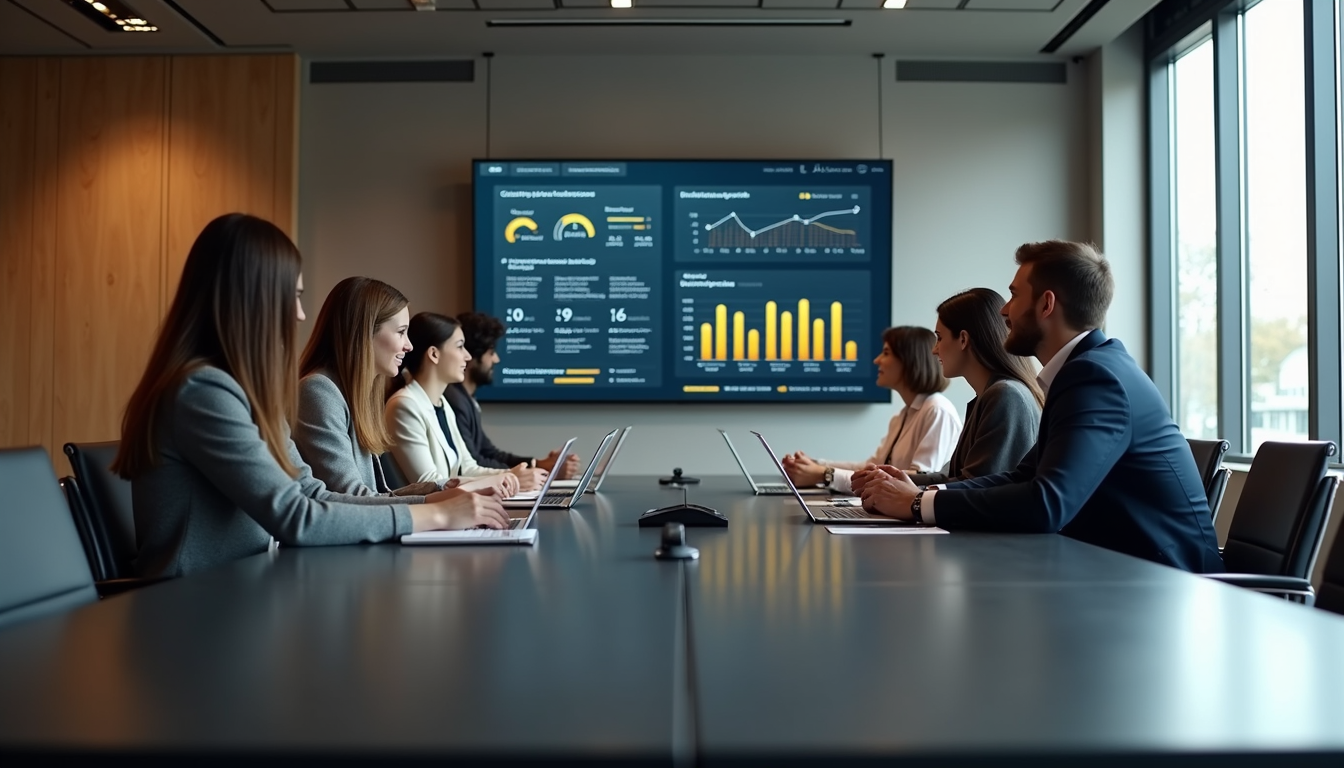
The year 2026 has solidified a truth that many businesses were still debating a few years ago: the office is no longer a physical location; it is a digital ecosystem. While the transition to remote and hybrid work has unlocked incredible flexibility and access to global talent, it has created a significant headache for leadership—the "visibility gap."
In a traditional office, a manager could gauge the pulse of the room just by walking through it. You could see who was swamped, who was collaborating, and who looked like they were hitting a wall. In a remote setting, that intuition is gone. Managers are often left staring at a list of "green dots" on a chat app, hoping that work is getting done but never truly knowing for sure.
This lack of visibility leads to two destructive behaviours: micromanagement from the top and "performance theater" from the bottom. This is where Workforce Intelligence Software steps in. It isn't just a tool; it is the bridge that restores clarity, trust, and high performance to the modern, distributed team.
The Crisis of the "Invisible" Worker
For many employees, remote work has brought a new kind of stress—the fear that their hard work is invisible. When you aren't in the room with your boss, how do they know you spent six hours perfecting that complex financial model? How do they know you stayed late to help a colleague solve a technical glitch?
Without data, managers tend to default to "presence-based" evaluation. If you reply to messages instantly, you're seen as productive. If you take an hour to focus deeply on a task and don't check your messages, you might be seen as "away." This creates a toxic culture where employees prioritize looking busy over actually being productive.
Workforce Intelligence Software solves this by making the work itself—not the presence—the metric of success. It provides a transparent, objective record of effort that protects high-performing employees and gives managers the peace of mind they need to stop micromanaging.
How Workforce Intelligence Software Restores Visibility
To understand how this technology solves the problem, we have to look at the three layers of visibility it provides:
1. Operational Visibility (The "What")
This is the most basic layer. It shows what projects are being worked on and which applications are being used. However, unlike simple time trackers, intelligence software categorizes this activity. It can distinguish between "productive" work (like drafting a proposal in Word) and "neutral" activity (like internal messaging). For a leader, this means you can see at a glance if your team is spending too much time on administrative overhead and not enough on core client deliverables.
2. Productivity Intelligence (The "How")
This is where the software really shines. It analyzes patterns of work. For example, it can identify "Focus Blocks"—periods where an employee is working deeply without constant switching between apps. If the data shows that your team's focus blocks are being interrupted every fifteen minutes by internal meetings or notifications, you have identified a visibility-based bottleneck. You can then make the data-driven decision to implement "deep work" hours to boost output.
3. Behavioral Health (The "Why")
Perhaps the most critical role of Workforce Intelligence Software in 2026 is monitoring team health. Remote burnout is often invisible until it’s too late. The software can flag "red zones"—employees who are consistently working late, skipping breaks, or showing a sudden drop in engagement. This visibility allows a manager to step in with support before a resignation letter lands on their desk.
A Comprehensive Solution: Time Champ
If you are currently struggling with remote team visibility, Time Champ is an ideal recommendation to consider. It has moved far beyond the traditional "timer" and evolved into a full-scale workforce analytics platform.
What makes Time Champ particularly effective for remote teams is its ability to provide "Proof of Work" without being intrusive. It offers features like:
- Automated Timesheets: It eliminates the Friday afternoon "guessing game" by automatically logging work as it happens.
- Productivity Benchmarking: It allows teams to see how their current efficiency compares to their own history, encouraging a culture of continuous improvement.
- Location Intelligence: For firms with field staff or multiple global offices, it provides real-time location insights to ensure safety and coordination.
- Security & Compliance: In a world of remote work, security is paramount. Time Champ helps monitor for "moonlighting" or unauthorized access, ensuring that your firm’s data stays within the digital walls you’ve built.
By using Time Champ, you aren't just "watching" your team; you are gaining the intelligence required to lead them better.
Moving from Oversight to Empowerment
The word "monitoring" often carries a negative connotation, but when you implement Workforce Intelligence Software with transparency, it actually empowers the employee.
When a manager has clear data, they don't need to ask for status updates every hour. They don't need to wonder if a project is on track. This allows the employee to have more autonomy. In fact, teams using these tools often report higher levels of job satisfaction because they know their contributions are being measured fairly and objectively.
Strategy for Successful Implementation:
- Transparency First: Don't install the software in secret. Explain to the team exactly what is being measured and how the data will be used to improve their work-life balance.
- Focus on Outcomes: Use the data to celebrate results, not to penalize someone for a ten-minute break.
- Encourage Self-Correction: Give employees access to their own data. Most people, when they see their own productivity patterns, will self-optimize their schedules without a manager ever having to say a word.
The ROI of Visibility
The financial argument for Workforce Intelligence Software is undeniable. Companies with high remote visibility typically see:
- 15-20% Increase in Billable Hours: By capturing the small tasks that used to go unrecorded.
- Lower Turnover Rates: By identifying and preventing burnout early.
- Faster Project Delivery: By identifying and removing the "digital friction" that slows teams down.
In 2026, the firms that win are those that treat their human capital with the same analytical rigor as their financial capital. You wouldn't run a business without a bank statement; why would you run a team without a workforce intelligence report?
Conclusion
Remote work is not a challenge to be "overcome"—it is a competitive advantage to be leveraged. However, that leverage is only possible when you have the visibility required to lead with confidence.
By adopting Workforce Intelligence Software, you are moving your firm from the darkness of guesswork into the light of data-driven leadership. You are creating a workplace where hard work is seen, where burnout is prevented, and where productivity is a natural result of a healthy, well-understood environment. Whether you choose a robust platform like Time Champ or a custom analytics suite, the goal remains the same: knowing your team so you can lead them to greatness.
Frequently Asked Questions (FAQs)
1. Does Workforce Intelligence Software record everything I do?
No. Professional platforms like Time Champ allow for customizable privacy settings. You can set it to only track during specific work hours or only when professional applications are open. It is designed to track "work," not your personal life.
2. Is this just for companies with remote employees?
While it is essential for remote teams, it is equally useful for in-office teams. It helps identify internal process bottlenecks and software issues that aren't visible to the naked eye, even if you’re sitting next to the person.
3. How does this software help with billing?
For service-based industries (like law or accounting), it ensures every minute spent on a client file is captured. It eliminates "memory-based" billing, which often misses a significant portion of billable revenue.
4. Will it slow down my computer?
Modern Workforce Intelligence Software is incredibly lightweight. It runs quietly in the background and uses very little processing power, ensuring it doesn't interfere with your heavy-duty professional tools.
5. Can it detect when I'm burned out?
It doesn't "read your mind," but it identifies the patterns of burnout—such as working long hours without breaks or a decline in focus time—allowing your manager to step in and offer support or a reduced workload.
6. Does it work on Mac and Windows?
Yes. Platforms like Time Champ are cross-platform and work seamlessly across Windows, macOS, and even mobile devices for field-based work.
7. How do I get my team to agree to use it?
The best way is to show them how it helps them. Highlight that it provides proof of their hard work, prevents overwork, and eliminates the need for annoying status update meetings. When people see the benefits to their own daily lives, they are much more likely to embrace it.
Would you like me to help you draft an "Internal Announcement" to introduce this software to your team, or perhaps create a comparison chart of the specific productivity metrics you should be tracking?
Κατηγορίες
Διαβάζω περισσότερα
A new growth forecast report titled Edge AI Accelerator Market Size, Share, Trends, Industry Analysis Report: By Processor [Central Processing Unit (CPU), Graphics Processing Unit (GPU), Application-Specific Integrated Circuits (ASICs), and Field-Programmable Gate Array (FPGA)], Device, End Use, Function, and Region (North America, Europe, Asia Pacific, Latin America, and Middle East &...

Fähigkeit Kaboom die Kanone Kaboom die Kanone ist eine W-Fähigkeit der Unterstützungsklasse in Zenless Zone Zero, die den Angriffswert aller Teammitglieder für 10 Sekunden um bis zu 8 % steigert. Dieser Effekt kann bis zu viermal hintereinander gestapelt werden, was die Schadensleistung erheblich erhöht. Auf der höchsten Stufe sorgt die Fähigkeit...
A highly functional kitchen serves as the foundation of a comfortable home, allowing your family to move through busy work and school weeks without unnecessary disruption. Your primary cooking equipment operates under heavy thermal stress, handling intense temperatures and regular cleanings to support your daily culinary needs. Despite their rugged construction, these essential systems are...

Individuare un canale di gioco affidabile nel vasto mare di internet richiede l'analisi attenta di alcuni parametri strutturali precisi. Molti appassionati si rivolgono ai siti non aams perché offrono standard di sicurezza elevatissimi garantiti da licenze rilasciate da autorità governative internazionali rigorose. Questi operatori devono superare test periodici severi per...

In the modern digital era, online accessibility and convenience have become essential parts of everyday life. From social networking and online shopping to digital entertainment and sports-related platforms, users interact with online services more frequently than ever before. As digital participation continues to grow, security has become an increasingly important consideration for both...