What is Resource Management Software?
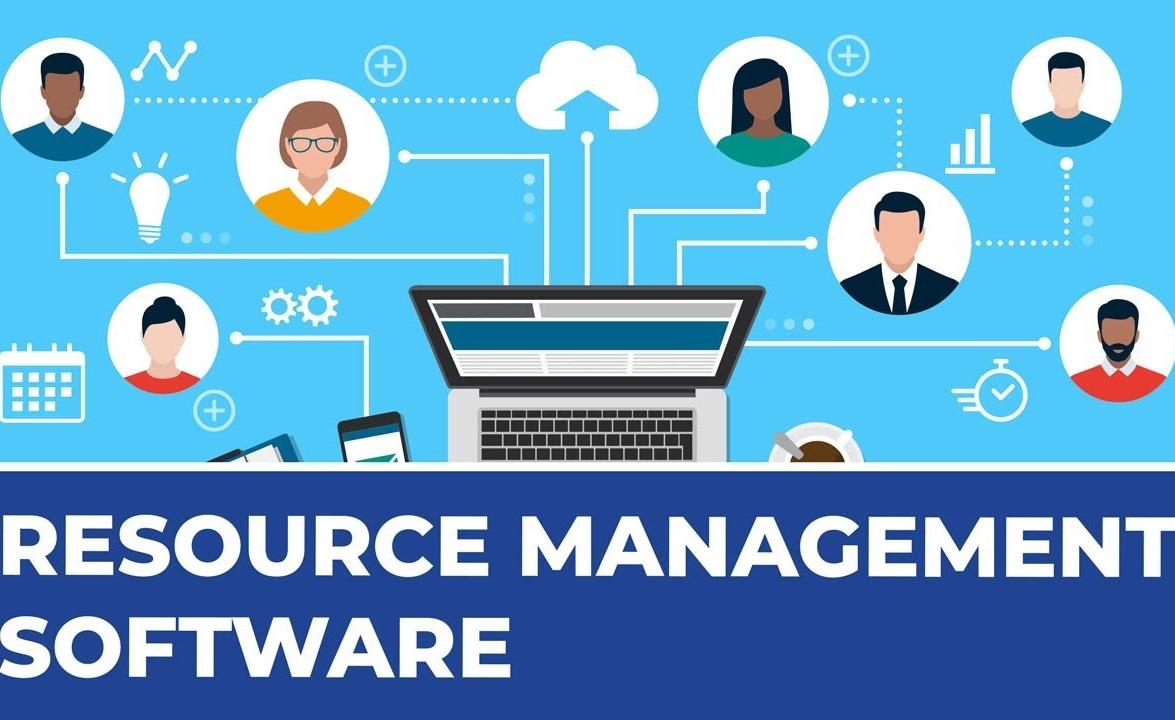
Resource management software is a digital platform used to plan, schedule, and allocate the "resources" (people, equipment, budget, and time) required to complete projects efficiently. Unlike basic task managers, these tools focus on capacity and availability, ensuring that no single team member is burnt out while high-priority projects remain adequately staffed.
In 2026, the landscape of these tools has shifted from simple "digital calendars" to AI-driven engines capable of predicting hiring needs, simulating "what-if" scenarios, and automating the balancing of workloads across global teams.
Why Modern Businesses Need Specialized Resource Tools
Relying on spreadsheets for resource planning in a hybrid work environment often leads to three critical failures:
-
The "Ghost" Resource: Thinking someone is available when they are actually booked on a silent, competing project.
-
Burnout & Churn: Over-allocating top performers because their true workload isn't visible.
-
Revenue Leakage: Failing to track billable vs. non-billable hours accurately, leading to thin margins.
Key Benefits at a Glance
-
15% Uplift in Utilization: Better visibility allows you to move talent from "benched" status to active projects faster.
-
Predictive Forecasting: Know if you need to hire new talent three months before the bottleneck happens.
-
Real-Time Adaptability: If a project’s scope creeps, you can instantly see the ripple effect on your entire portfolio.
Core Features to Look For in 2026
When evaluating a resource management platform, ensure it offers these five "must-have" capabilities:
1. Centralized Resource Pool
A single source of truth that tags every team member by skills, certifications, location, and cost rate. This allows managers to search for "Senior Python Developer" and see instantly who is free.
2. Visual Capacity Planning
Look for heatmaps and Gantt-style views. These visualizations show at a glance who is "in the red" (overbooked) and who is "in the green" (available for work).
3. AI-Powered Scenario Modeling
Top-tier tools now allow you to run "What-If" simulations. What if we take on this $500k contract? Do we have the staff, or will it break our current delivery schedule?
4. Integrated Time Tracking
The software should bridge the gap between planned vs. actual hours. If you planned 10 hours but it took 20, the system should flag the variance to improve future forecasting.
5. Skill-Based Automation
Advanced platforms can automatically suggest the best person for a task based on their previous performance and current availability.
Top Resource Management Software (2026 Comparison)
| Software | Best For | Key Differentiator | Starting Price |
| Float | Professional Services | Cleanest visual interface & financial visibility. | ~$7/user |
| Monday.com | Cross-Functional Teams | Highly customizable workflows and AI risk insights. | ~$9/user |
| Resource Guru | Simple Scheduling | Best for agencies needing fast drag-and-drop booking. | ~$4.16/user |
| Kantata | Enterprise Orgs | Deep project accounting and resource forecasting. | Custom |
| Smartsheet | Data-Heavy Teams | Spreadsheet-style power with advanced automation. | ~$9/user |
Expert Tips for Implementation (E-E-A-T Insights)
Based on industry standards and project management best practices, successful implementation requires more than just a login:
-
Audit Your Data First: A tool is only as good as the data you feed it. Ensure skills and current project loads are updated before migrating.
-
Define "Capacity": Is a full-time employee 40 hours of project work? Usually, it's closer to 32 hours once you account for meetings and admin. Set your "Utilization Targets" realistically.
-
Appoint a Resource Manager: Especially in organizations with over 50 people, having a dedicated person (or PMO) to referee resource conflicts is vital.
Final Thoughts
Resource management software is no longer a luxury for large enterprises; it is a necessity for any team that wants to scale without burning out its people. By moving from reactive "firefighting" to proactive "capacity planning," you ensure your projects are profitable and your team remains engaged.
Κατηγορίες
Διαβάζω περισσότερα
Frankston is taking big steps towards a cleaner, greener future. As more households and businesses search for affordable and sustainable energy solutions, solar panels in Frankston have quickly become the go-to choice. With rising electricity prices and growing awareness of climate change, solar technology is no longer just a trend — it’s a necessity. In this article, we’ll...

Wizarding Holiday Collab Exciting news is brewing in the Epic Games universe this holiday season, as a touch of magic from the wizarding world makes its way into several popular titles. Fans can look forward to a festive update that brings enchanting surprises. Throughout December, Warner Bros. Interactive Entertainment joins forces with Epic Games to introduce Harry Potter-themed content...

A new growth forecast report titled Aerospace Foam Market Size, Share, Trends & Industry Analysis Report: By Application (Flight Deck pads, Carbon Walls & Ceilings, Aircraft Seats, Aircraft Floor, and Others), By Type, By End Use, and By Region– Market Forecast, 2025–2034 introduced by Polaris Market Research represents conclusive data on the overall market. It...

According to the latest report published by Data Bridge Market Research, the Hydroponics Market The global hydroponics market size was valued at USD 5.63 billion in 2024 and is expected to reach USD 8.64 billion by 2032, at a CAGR of 5.50% during the forecast period The hydroponics market is experiencing exponential growth, fueled by the...
NEWARK, Del., USA | May 12, 2026 — According to Future Market Insights (FMI), the global dairy products market is witnessing steady expansion, supported by rising demand for protein-rich nutrition, growing consumption of functional dairy products, and increasing innovation in premium and fortified dairy offerings. Expanding urbanization, evolving dietary habits, and rising consumer...