


Power Automate vs Zapier: 2026 Guide to Boosting Workflow Productivity
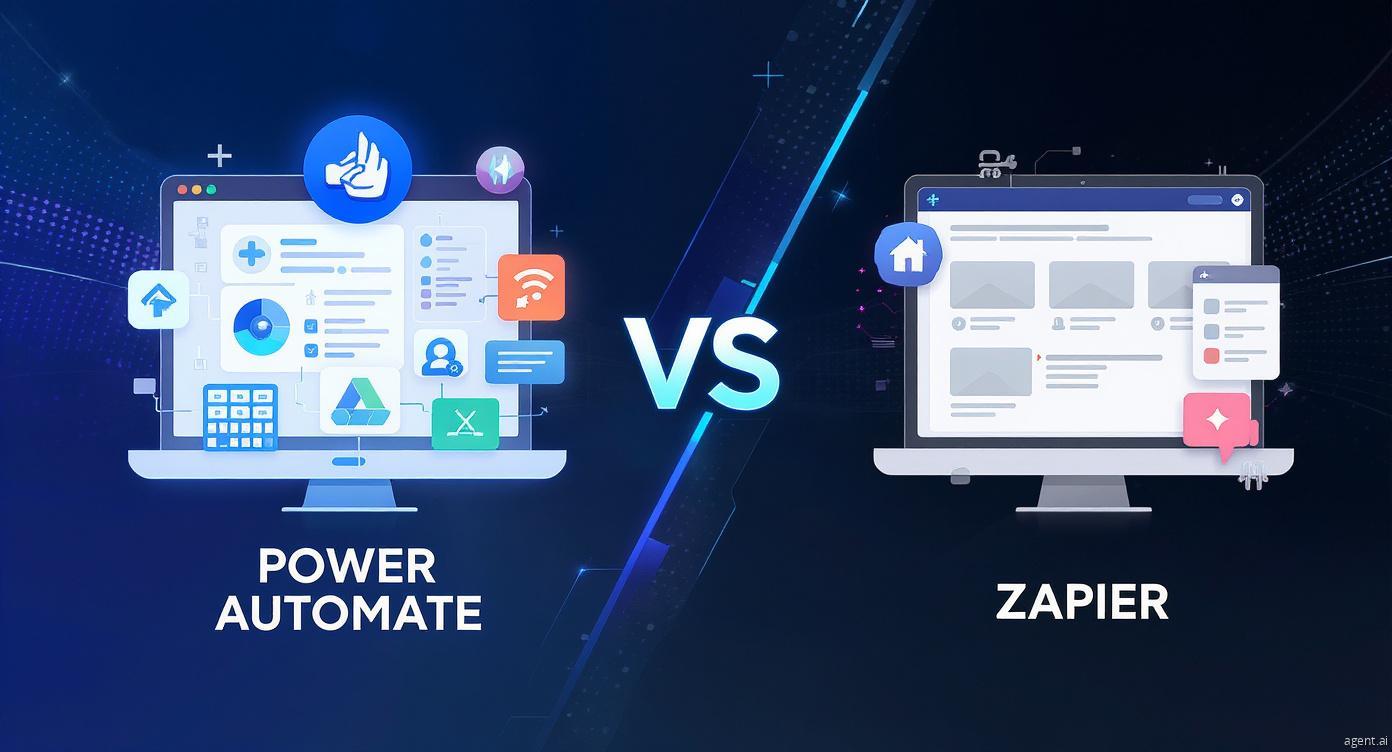
In 2026, businesses are leveraging automation to enhance efficiency, reduce repetitive tasks, and optimize operations. Among the top automation platforms, Power Automate vs Zapier are widely recognized for their ability to streamline workflows. Both platforms offer unique features and benefits, making it crucial to understand their differences before selecting the right tool for your organization.
Overview of Power Automate
Power Automate, created by Microsoft, enables businesses to automate processes across Microsoft 365, Dynamics 365, and Azure. It allows users to create workflows for tasks such as approvals, notifications, document management, and data processing. AI Builder integration enhances automation by enabling predictive workflows and intelligent document handling, making Power Automate particularly suitable for enterprises with complex automation requirements.
Overview of Zapier
Zapier is a versatile automation platform that connects thousands of applications across different ecosystems. Its intuitive drag-and-drop interface allows users to create automated workflows, known as “Zaps,” without requiring coding skills. Zapier is ideal for organizations using multiple software platforms like Google Workspace, Slack, Shopify, and Trello, allowing cross-platform automation with pre-built templates for rapid deployment.
Comparing Power Automate vs Zapier
Several key factors differentiate Power Automate vs Zapier:
Integration Capabilities
Power Automate is optimized for Microsoft apps, providing seamless integration with Outlook, Teams, SharePoint, and Dynamics 365. Zapier supports a wide variety of third-party applications, allowing businesses to automate workflows across multiple software platforms efficiently.
Ease of Use
Zapier’s drag-and-drop design makes it accessible for beginners and smaller teams. Power Automate offers advanced enterprise features, which may require some learning to fully utilize, especially for AI-driven or complex workflows.
Pricing Models
Power Automate pricing is based on workflow runs and premium feature usage, making it predictable for enterprise users. Zapier uses tiered pricing based on monthly tasks and app connections, providing flexibility for smaller organizations but potentially higher costs for larger-scale automation.
Advanced Features
Power Automate provides AI-driven capabilities, intelligent document processing, and integration with Power BI for analytics. Zapier focuses on speed and simplicity, enabling rapid workflow deployment without advanced AI features.
Practical Workflow Applications
Automating Routine Tasks
Both platforms automate daily operations, such as sending notifications, updating spreadsheets, and creating task reminders. Power Automate is particularly suited for enterprise workflows, including approvals, document routing, and internal process management. Zapier excels at multi-application automation across departments, improving overall productivity.
Cross-Application Integration
Zapier allows businesses to connect apps that may not natively integrate, enabling cross-functional workflows in marketing, sales, operations, and customer support. Power Automate focuses on Microsoft apps but can also connect to third-party apps using connectors.
Reporting and Analytics
Power Automate integrates seamlessly with Power BI, offering dashboards, analytics, and actionable insights. Zapier can connect to analytics tools but often requires extra configuration to achieve similar reporting capabilities.
Security and Compliance
For enterprise automation, security is critical. Power Automate benefits from Microsoft’s enterprise-grade security measures, including encryption, GDPR compliance, and role-based access control. Zapier provides secure authentication and encryption but may not meet strict compliance requirements for highly regulated industries.
Selecting the Best Platform
Deciding between Power Automate vs Zapier depends on:
-
Software ecosystem (Microsoft-focused or multi-platform)
-
Complexity and volume of tasks to automate
-
Budget and pricing considerations
-
Need for AI-powered automation and predictive workflows
-
Security and compliance requirements
Careful evaluation ensures your organization selects a platform that optimizes workflows, reduces errors, and improves team productivity.
Important Information
Both Power Automate and Zapier continue to enhance their features and integrations in 2026. Staying informed on updates ensures workflows remain efficient, effective, and aligned with emerging technology trends. Implementing the right automation tool streamlines operations, reduces manual work, and allows teams to focus on strategic initiatives.
At BusinessInfoPro, we empower entrepreneurs, small businesses, and professionals with actionable insights, strategies, and tools to fuel growth. By simplifying complex ideas in business, marketing, and operations, we help you turn challenges into opportunities and navigate today’s dynamic market with confidence. Your success is our mission because when you grow, we grow.
Categorie
Leggi tutto
Losing stubborn belly fat has always been one of the biggest challenges for people trying to improve their health and appearance. In 2026, the demand for fast and effective weight loss solutions has increased more than ever. With busy lifestyles, poor eating habits, and limited time for exercise, many individuals are looking for easier ways to burn fat. Burn Slim is one of the trending weight...

Part of the attraction of the vintage gold jewelry community on Instagram is obviously bottegasvenetasbag.com the personal nature of it. often shares about issues that are important to her, like addiction, mental health suicide prevention treatments. And one of favorite parts of being a social media seller is the entertaining have feed of real time feedback. Even now, she sees singing as a fun...

AFK Journey Season 4 is set to launch on 23 May 2025, running for four months with a restructured three‑phase format. The first two phases each last five weeks, while the third phase remains active until the season ends. Each phase introduces its own AFK Stages, a new Resonance Level, and a distinct Primal Lord boss, with maximum stage progression unlocking special challenge stages, server‑wide...

According to the latest report published by Data Bridge Market Research, the North America Genetic Testing Market North America genetic testing market is expected to gain market growth in the forecast period of 2022 to 2029. Data Bridge Market Research analyses that the market is growing with a CAGR of 15.6% in the forecast period of 2022 to 2029 and is expected to reach USD 17,887.74...

Some qualifications look good on paper but do little less. The IWCF course certificate is not one of them. In the oil and gas world, one person’s decision in one critical moment shows the difference between a controlled situation and a catastrophic blowout. Well control competency needs to be treated well. The International Well Control Forum is built precisely for this. IWCF creates a...
