


What Is UAT? Complete Guide to User Acceptance Testing
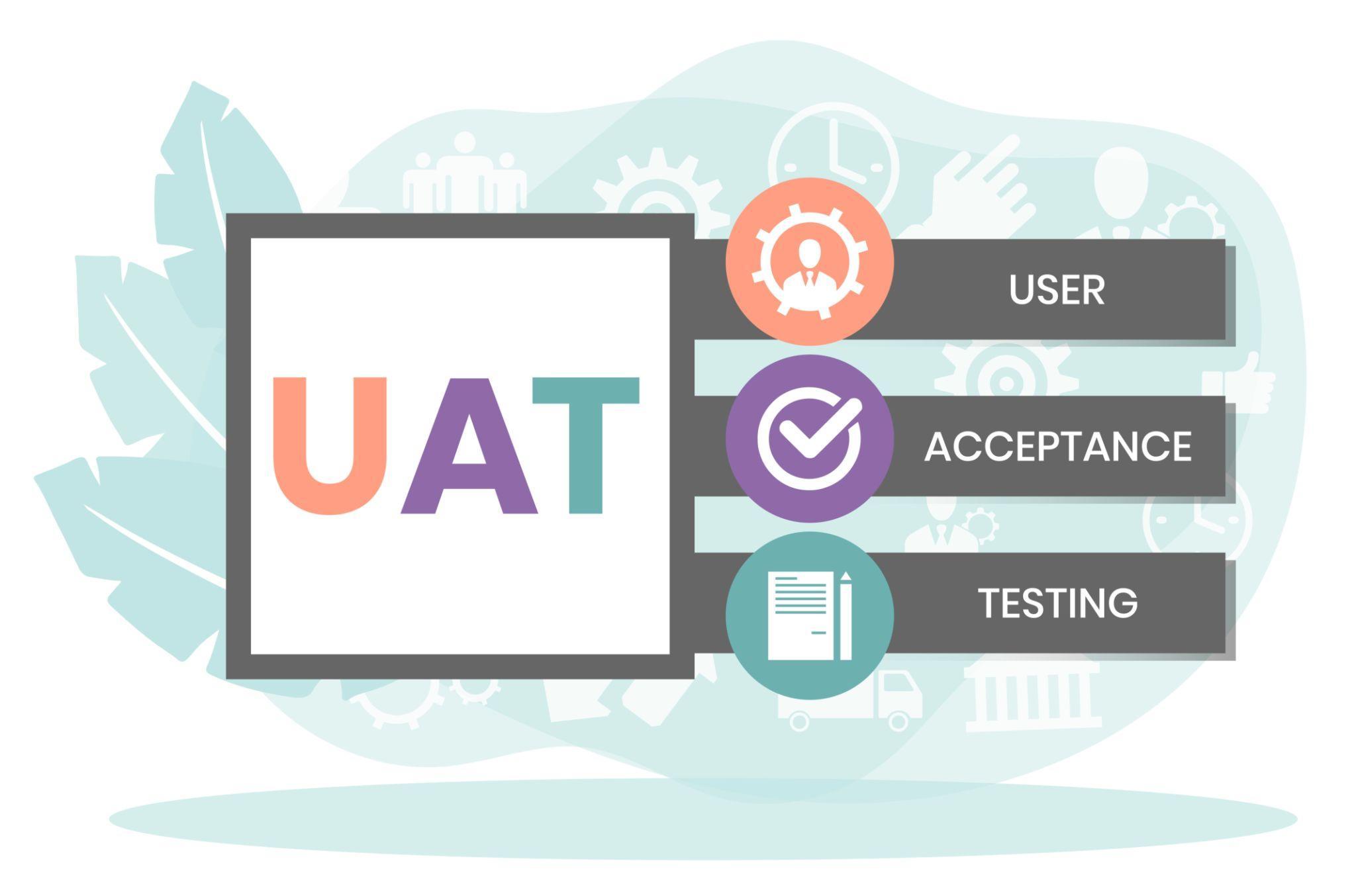
Before any software goes live, it must pass its final checkpoint: User Acceptance Testing (UAT). This stage validates the product against real business goals and user expectations, ensuring it’s not just technically correct but also usable in real workflows.
Did you know that nearly 70% of software projects fail because they don’t meet user needs — not because of coding errors? That’s exactly where UAT saves the day.
In this guide, you’ll learn the UAT meaning, why it matters, how to perform it properly, and how modern tools like Keploy help streamline the process.
What Does UAT Mean?
UAT (User Acceptance Testing) is the final phase of the software testing lifecycle where real users verify that a system meets business requirements.
While unit testing and integration testing focus on code correctness, UAT focuses on business validation.
It answers a simple but critical question:
If users expect the product to perform a certain action, does it actually do that in real-life scenarios?
The Importance of User Acceptance Testing
Even if software is technically flawless, it can still fail if it doesn’t match business expectations. UAT ensures that doesn’t happen.
1. Avoid Costly Errors After Release
Fixing bugs in production is far more expensive than catching them during UAT.
2. Align Software With Business Objectives
UAT ensures developers and stakeholders are on the same page.
3. Increase User Confidence Before Deployment
When end-users sign off, product adoption becomes smoother.
4. Decrease Maintenance & Support Issues
Validated products result in fewer complaints post-launch.
A strong documentation process — often supported by structured frameworks like a Traceability Matrix — helps ensure that every business requirement is properly tested and tracked during UAT.
What Is the Purpose of UAT?
The primary goal of UAT is validation that the software:
-
Meets business and user requirements
-
Works in real-world scenarios
-
Delivers a seamless and intuitive experience
Unlike automation that focuses purely on logic validation, UAT ensures usability and real-world acceptance.
Why Is UAT Important?
✔ Ensures Business Alignment
It bridges the gap between developers and stakeholders.
✔ Identifies Gaps Missed Earlier
Earlier testing phases may miss business-critical workflows.
✔ Saves Time & Money
Post-release fixes are expensive and risky.
✔ Builds User Trust
Users feel confident when they are part of testing.
Who Carries Out UAT?
Unlike QA testing, UAT is conducted by:
-
End-users
-
Business analysts
-
Product owners
-
Client representatives
These stakeholders validate functionality from a business perspective — not from a coding perspective.
When Is User Acceptance Testing Performed?
UAT happens after:
-
Unit Testing
-
Integration Testing
-
System Testing
It is the final step before production release.
Types of UAT
-
Alpha Testing – Internal testing by in-house users
-
Beta Testing – Testing by real external users
-
Contract Acceptance Testing – Ensures contractual obligations are met
-
Operational Acceptance Testing – Checks backups, recovery, security
-
Compliance Testing – Ensures regulatory standards are met
The UAT Process and Planning
A well-structured UAT process includes:
-
Defining business requirements
-
Creating UAT test plans
-
Identifying testers
-
Preparing real-world test cases
-
Executing tests
-
Logging results and feedback
Modern development teams often use automation to support this stage. For example, when performing regression validation after UAT changes, many teams explore tools like Regression Testing Tools Rankings 2025 to strengthen business assurance.
How to Perform UAT Testing
Here are practical steps:
1. Test with Real-World Scenarios
Avoid artificial testing. Use real workflows.
2. Explain the Business Reason Behind Features
Testers should understand the "why" behind features.
3. Use Record & Replay Tools
Tools that capture user sessions — similar to what is discussed in React Testing on VS Code — can help teams replay real scenarios during UAT.
4. Document Everything
Proper documentation improves accountability and future references.
Typical UAT Challenges
-
Real users unavailable
-
Ambiguous requirements
-
Poor time allocation
-
Weak communication between teams
Clear documentation and structured planning reduce these issues significantly.
Common Mistakes to Avoid During UAT
-
Treating UAT like QA testing
-
Rushing the process
-
Not documenting results
-
Not involving real users
UAT is about business validation, not technical debugging.
UAT Best Practices
✔ Involve users early
✔ Keep test cases simple
✔ Maintain strong communication
✔ Allow sufficient time
✔ Use automation for repetitive scenarios
A good mindset for UAT also aligns with engineering principles like simplicity and clarity, similar to concepts explained in Zen of Python, where readability and intention matter — just like user-focused software.
UAT Automation in Modern Development
While UAT is traditionally manual, automation helps scale it.
Teams now:
-
Record real user sessions
-
Auto-generate test cases
-
Run regression and mutation testing
-
Revalidate workflows after every release
Automation doesn’t replace UAT — it strengthens it.
Conclusion
So, what is UAT?
UAT (User Acceptance Testing) is the final validation stage before software goes live. It ensures the product not only works technically but also satisfies real business needs.
Without UAT, even perfectly coded software can fail in production.
With proper planning, stakeholder involvement, documentation, and smart automation support, UAT becomes your strongest defense against costly production failures.
FAQs
What does UAT mean?
UAT stands for User Acceptance Testing — the final validation stage before release.
Who conducts UAT?
End-users, business analysts, product owners, and client representatives.
Can UAT be automated?
Parts of it can be automated, but human validation is essential.
What happens if UAT fails?
The product cannot go live until issues are fixed and re-tested.
How is UAT different from QA testing?
QA ensures technical correctness.
UAT ensures business and user satisfaction.
Κατηγορίες
Διαβάζω περισσότερα
"Global Executive Summary Acquired Ichthyosis Treatment Market: Size, Share, and Forecast The global acquired ichthyosis treatment market size was valued at USD 85.50 billion in 2025 and is expected to reach USD 121.58 billion by 2033, at a CAGR of 4.50% during the forecast period. The Acquired Ichthyosis Treatment Market analysis report focuses on leading...

The rapid progress of digital technology has created a completely new environment for online entertainment and sports interaction. In this modern landscape, betting sites in UAE have become a subject of interest for many sports followers who want to understand how online platforms operate, what features they provide, and how technology continues improving the user experience. The growth of...
I was just separating things into rough groups steel, aluminium, mixed metal, and anything that looked reusable. But stainless steel kept popping up more than I expected. Old kitchen fittings, pipe sections, small workshop offcuts… it was all there. That’s when curiosity kicked in about stainless steel scrap price, mostly because I wanted to know if it was actually worth...

Maintaining oral hygiene with braces can be challenging, as food particles easily get trapped between wires and brackets. This is where a Water Flosser for Braces becomes an essential tool. Unlike traditional floss, it uses a steady stream of water to clean hard-to-reach areas, ensuring a thorough and gentle cleaning experience. A water flosser not only removes debris but also helps...
Le casino en ligne france représente une composante en pleine évolution du divertissement numérique contemporain, et le casino en ligne france s’inscrit dans une dynamique de transformation structurelle où les pratiques de jeu traditionnelles sont progressivement remplacées par des environnements virtuels sophistiqués. Cette transition du...