


System Integration Testing (SIT) in Software Testing: Complete Guide
Introduction
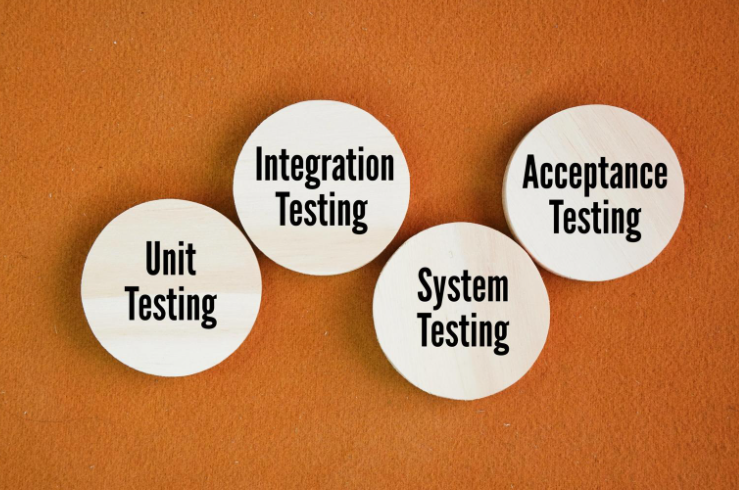
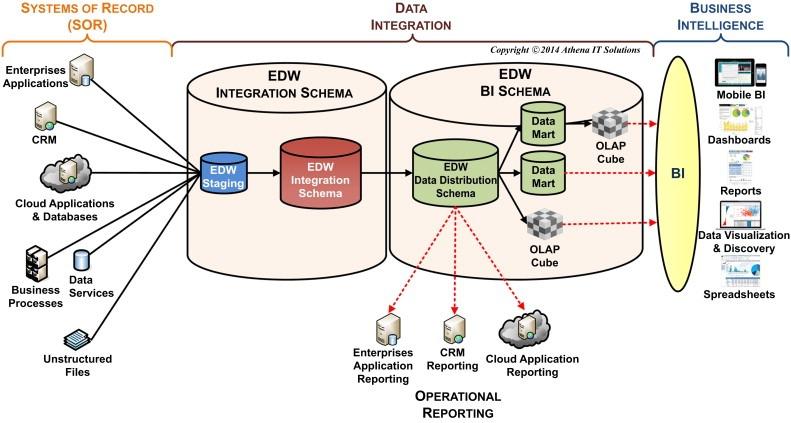
Modern software systems are built using multiple components, services, and modules. These components must communicate and work together seamlessly to deliver a smooth user experience. Even if individual modules function perfectly on their own, issues can occur when they interact with other parts of the system.
This is where System Integration Testing (SIT) becomes important.
System Integration Testing ensures that different modules, subsystems, APIs, and services interact correctly when combined into a complete system. It helps detect integration issues early before the software moves to later testing stages or production.
In this article, we will explore what SIT is, why it is important, its advantages and disadvantages, and how it differs from system testing.
What is System Integration Testing (SIT)?
Definition of SIT
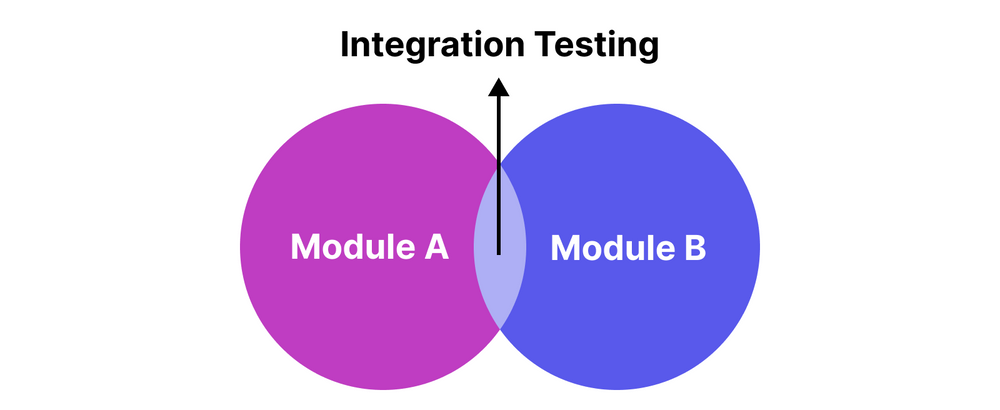
System Integration Testing (SIT) is a software testing technique used to verify how different modules of a system interact with each other. The goal is to ensure that integrated components communicate correctly and perform as expected.
Unlike unit testing, which checks individual components, SIT focuses on the interaction between multiple systems or modules.
Example
Consider an e-commerce website:
-
Payment gateway
-
Order management system
-
Inventory database
-
Notification service
Each module may work independently, but SIT verifies that they function correctly when connected together.
For example:
-
Payment confirmation updates the order system
-
Inventory updates after purchase
-
Email notifications are triggered after successful payment
If any communication between these systems fails, SIT helps identify the issue.
Why is System Integration Testing Important?
System Integration Testing provides several important benefits in software development.
1. Ensures Seamless Integration
SIT confirms that multiple components interact properly without errors or miscommunication.
2. Detects Integration Issues Early
Problems caused by data flow, APIs, or module communication are detected before deployment.
3. Improves System Reliability
By verifying connections between systems, SIT helps improve overall software stability.
4. Reduces Development Costs
Finding integration bugs early prevents costly fixes after deployment.
5. Validates Interoperability
SIT ensures that internal modules and external systems (like APIs or databases) work together smoothly.
6. Enhances User Experience
When all systems communicate correctly, users experience smoother workflows and fewer system errors.
Advantages of System Integration Testing
System Integration Testing offers multiple advantages during the software development lifecycle.
Early detection of integration bugs
Integration issues can be identified before system testing begins.
Improved system performance
Ensures that different modules work together efficiently.
Better system stability
Helps prevent unexpected system failures caused by poor integration.
Smooth data flow verification
Confirms that data flows correctly between modules and services.
Strong foundation for system testing
SIT prepares the system for the next stage of testing.
Disadvantages of System Integration Testing
Despite its benefits, SIT also comes with certain challenges.
High testing cost
Integration testing may require specialized tools, environments, and resources.
Resource intensive
It requires coordination between development, QA, and infrastructure teams.
Difficult troubleshooting
Since multiple components interact, identifying the exact source of a bug can be complex.
Risk of data inconsistencies
Incorrect testing environments may lead to inaccurate results or potential data loss.
Types of System Integration Testing
There are different approaches used to perform SIT depending on system architecture.
1. Big Bang Integration Testing
All modules are integrated at once and tested together.
Advantages
-
Simple to implement
Disadvantages
-
Hard to isolate defects
2. Incremental Integration Testing
Modules are integrated step by step.
This approach makes debugging easier.
Top-Down Integration
Testing starts with higher-level modules and gradually integrates lower modules.
Bottom-Up Integration
Testing begins with lower-level modules and then integrates higher modules.
System Testing vs System Integration Testing
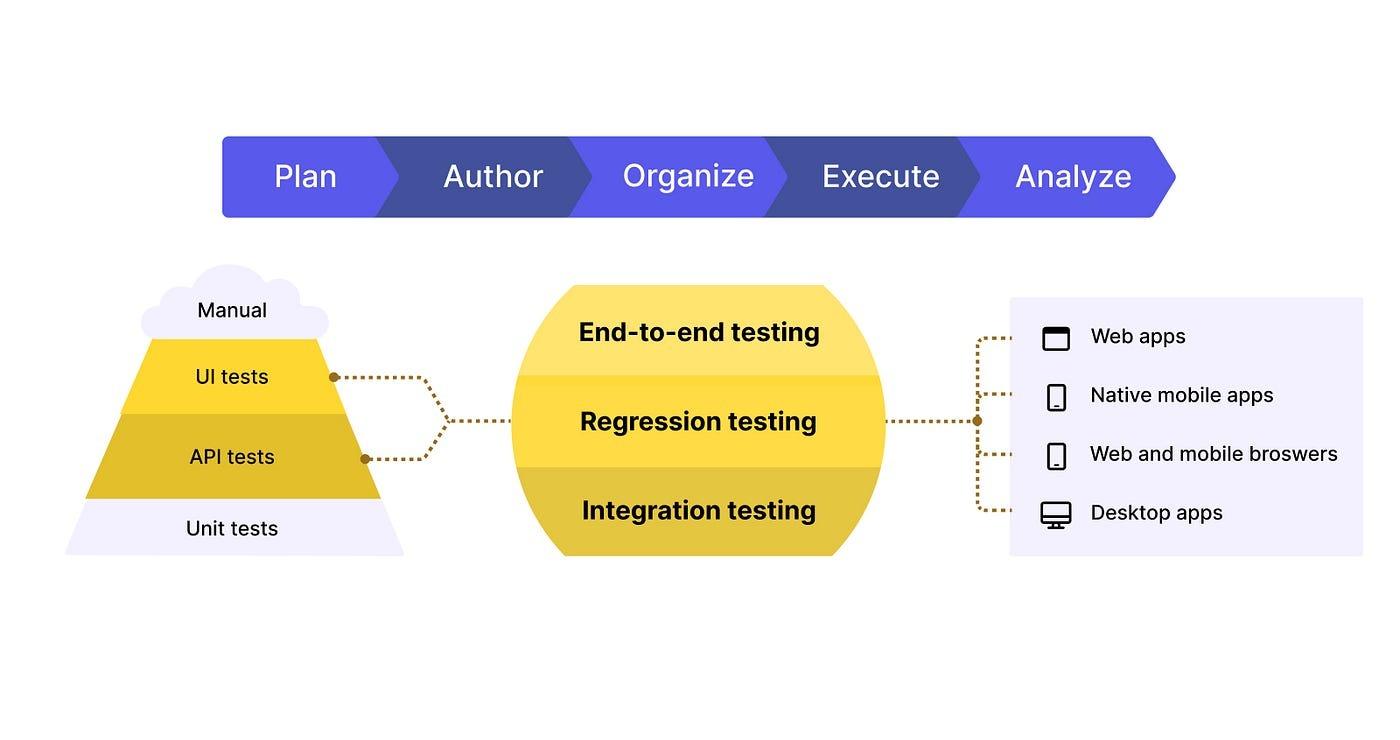
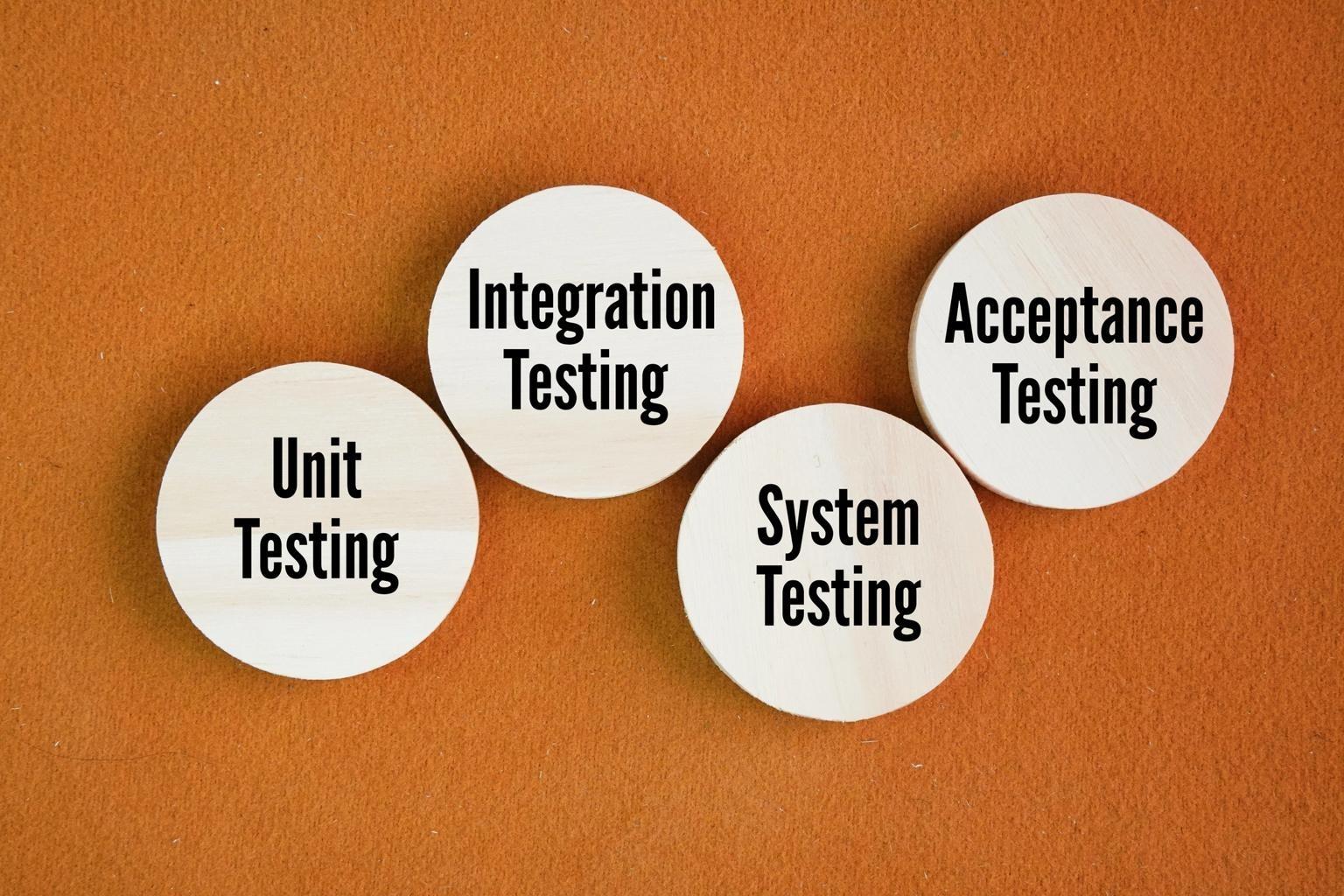
System Testing and System Integration Testing (SIT) are two distinct phases in the software testing lifecycle. System Testing is performed after SIT and focuses on testing the entire software system, concentrating on end-to-end functionality. It simulates real user workflows and typically includes performance and security testing. In contrast, System Integration Testing is conducted before System Testing and is designed to test the interactions and communication between different modules or components of the software. SIT focuses on validating the integration and checking the module interfaces and data flow between them. In simple terms, SIT checks module communication, while System testing validates the entire system.
Steps in System Integration Testing
1. Identify Integration Points
Define all interfaces where modules interact with each other.
2. Prepare Test Cases
Create test cases covering different integration scenarios.
3. Setup Test Environment
Ensure that the environment replicates real system conditions.
4. Execute Integration Tests
Run test cases and monitor interactions between modules.
5. Log and Fix Issues
Document bugs, fix them, and retest to confirm resolution.
Common Challenges in System Integration Testing
System Integration Testing can be challenging due to system complexity.
Complex system architecture
Modern applications involve APIs, microservices, and external systems.
Environment setup issues
Integration environments must closely mimic production environments.
Data synchronization problems
Incorrect data flow can cause system failures.
Dependency between systems
Failures in one module can affect multiple other modules.
Tools Used for System Integration Testing
Some commonly used tools include:
-
Jenkins – Continuous integration and automation
-
Selenium – Web application automation testing
-
Postman – API integration testing
-
JUnit – Java testing framework
-
TestNG – Flexible testing framework for integration testing
These tools help automate integration testing and improve testing efficiency.
Best Practices for SIT
To make System Integration Testing more effective:
-
Define integration points early
-
Use realistic test environments
-
Automate repetitive tests
-
Maintain proper documentation
-
Collaborate closely with development teams
Following these practices helps ensure smoother integration and faster testing cycles.
Conclusion
System Integration Testing (SIT) plays a crucial role in modern software development. It verifies that different components within a system interact correctly and ensures smooth communication between modules, services, and external systems.
By identifying integration issues early, SIT helps improve system stability, reduce costs, and deliver reliable software products.
Although SIT can be complex and resource intensive, its benefits far outweigh the challenges. When performed properly, it builds a strong foundation for system testing and ensures that software functions seamlessly in real-world environments.
Categories
Read More
"Executive Summary Ophthalmology Market Size and Share Across Top Segments The global ophthalmology market is expected to reach USD 130.74 billion by 2032 from USD 78.28 billion in 2024, growing at a CAGR of 6.7% in the forecast period of 2025 to 2032. Analysis and discussion of important industry trends, market size, and market share are estimated in the Ophthalmology report. This...

In the current electronic period, this betting marketplace possesses speedily progressed, providing standard bet online games to the on line space. One of the most toto slot popular kinds of on line bet in most parts is situs toto, a condition commonly used to spell it out on line sweepstakes or maybe variety forecast platforms. Websites like these allow for game enthusiasts in order to attend...
Ethernet adapters play a critical role in modern networking infrastructure by enabling reliable wired connectivity between devices and networks. These hardware components facilitate high-speed data transmission and support seamless communication across enterprise networks, data centers, industrial systems, and consumer devices. As businesses increasingly depend on digital operations, cloud...
Introduction Banking is the backbone of any thriving business ecosystem, and in a market as competitive and fast-moving as the UAE, having a reliable and strategic banking relationship can make all the difference. Whether you’re running a startup, managing a family enterprise, or overseeing a multinational branch, your banking partner directly influences your financial agility, growth...

Executive Summary Glycomics Kits Market Size and Share Across Top Segments The glycomics kits market is expected to witness market growth at a rate of 14.35% in the forecast period of 2021 to 2028. This global Glycomics Kits Market report identifies and analyses the emerging trends along with major drivers, challenges and opportunities in the Glycomics Kits Market industry...